TV symptoms and the board most likely at fault
Most TV faults show up one step downstream of the board that failed. If you know the chain from mains plug to panel, the symptom usually narrows the search to one or two boards.
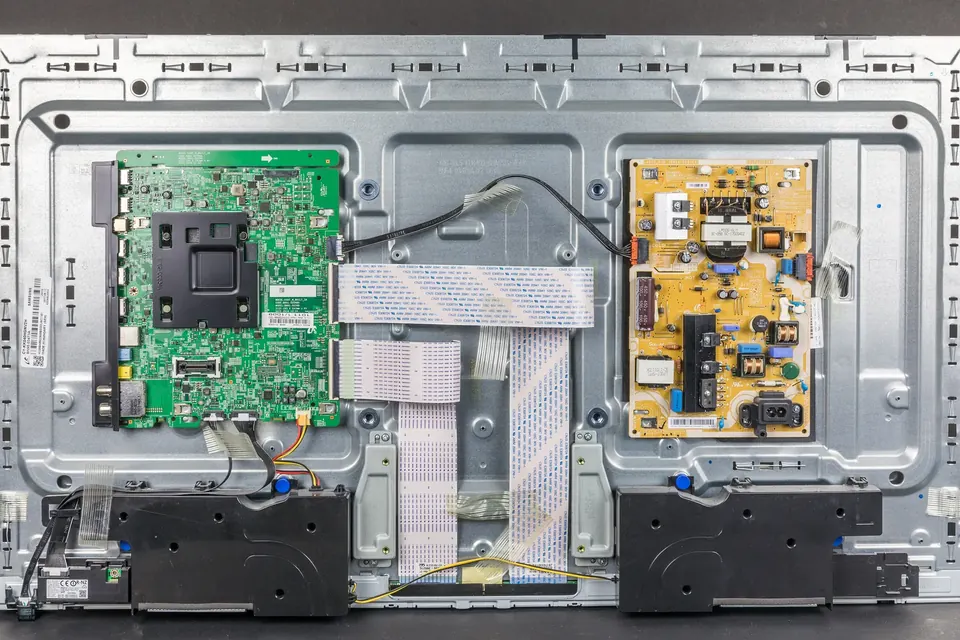
The chain, for an LCD or LED set: mains → power supply → main board → T-con → panel, with the backlight powered from the power supply or a separate LED driver. Plasma sets replace the T-con and backlight with a logic board and sustain and buffer boards (see plasma TV boards).
Symptom table
| What you see | Most likely | Also check |
|---|---|---|
| Completely dead: no standby light, no response | Power supply (standby section) | Mains socket and lead, the power button or IR/keypad board, a blown fuse (which points to a deeper fault) |
| Standby light on, set will not turn on, or clicks repeatedly | Power supply (main section not starting) or main board (not sending the "on" command, or shutting down on a fault) | A shorted LED strip pulling the supply into protection |
| Standby light blinks in a pattern | The set is reporting a fault code; the pattern is model-specific | The manufacturer's support pages or service documentation for that model |
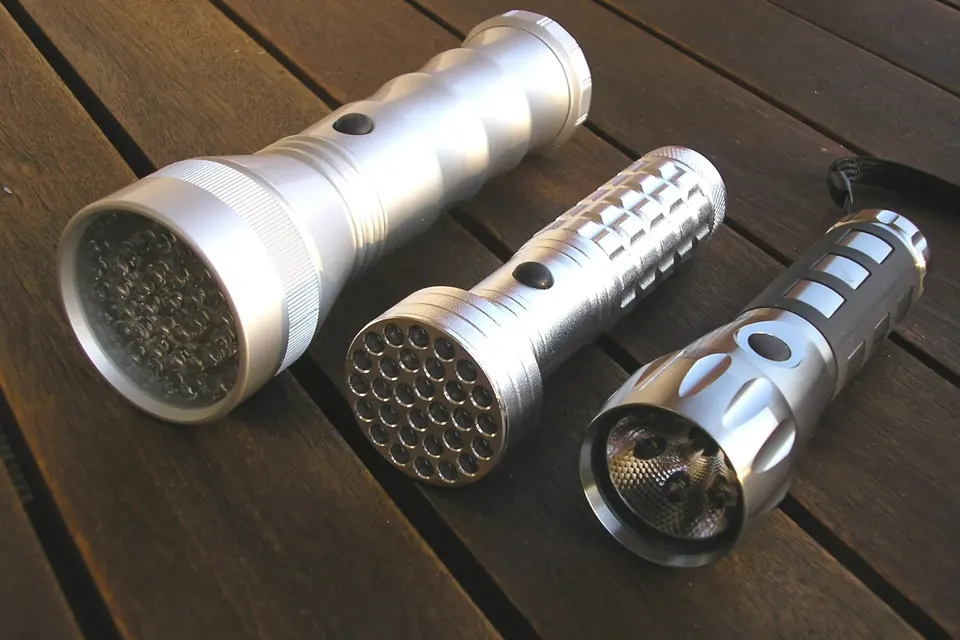
| Sound works, screen black | Backlight: LED strips or LED driver | Do the flashlight test first |
| Picture appears for a second then goes dark, sound continues | LED strips (driver detects a failed string and shuts down) or LED driver | Same flashlight test, a few seconds after switch-on |
| Backlight on, but no picture: plain grey, white or noise | T-con board or the main-board-to-T-con cable | Main board (no video output); try the TV's own menu: if the menu shows, the path to the panel works |
| Menu shows, but no picture from one input | Source device, cable or input settings | Main board input circuitry (especially HDMI ports) |
| Vertical lines, or one vertical band of the screen faulty | Usually the panel's own column drivers or their flex cables | T-con, if the fault changes when its connectors are reseated |
| Horizontal lines | Usually the panel or its row drivers | Parts sellers themselves note that horizontal lines are rarely a T-con fault |
| Left and right halves look different, or the image is doubled | T-con or main board output settings (wrong board or wrong firmware) | Panel-cable seating |
| Dark patches, uneven brightness, a blue or purple tint in areas | LED backlight (failing LEDs, damaged lens or reflector) | Panel diffuser layers |
| Restarts or freezes on the logo; "boot loop" | Main board (firmware or memory) | A power supply rail dropping under load |
| Cracks, spider-web lines, a black spot that spreads | Physical panel damage | Not repairable economically; see repair or replace |
Working through it
1. Is it really a fault?
Unplug the set from the wall for a few minutes and plug it straight into a known-good socket, without an extension strip. Disconnect everything else (HDMI devices, USB drives, aerial) and try the TV's own menu with the remote and with the buttons on the set. A surprising number of "dead" sets are a remote with flat batteries or a source device that has stopped sending a signal.
2. Can you see the TV's own menu?
This is the single most useful test. The menu is generated on the main board and sent through the T-con to the panel. If the menu displays correctly, the main board's output, the T-con, the panel and the backlight are all working, and the fault lies in an input, a source device or the settings.
3. Is the backlight on?
In a dark room, look at the screen at an angle with the set on. A working backlight makes even a black picture glow slightly. If there is sound but no glow, the flashlight test tells you whether an image is present behind the dark screen.
4. Is the standby light doing anything?
A standby light shows that the standby part of the power supply works and that the main board's standby processor is alive. Blink codes are specific to the manufacturer and model, so look them up for your set rather than relying on a generic list.
5. Measure, with care
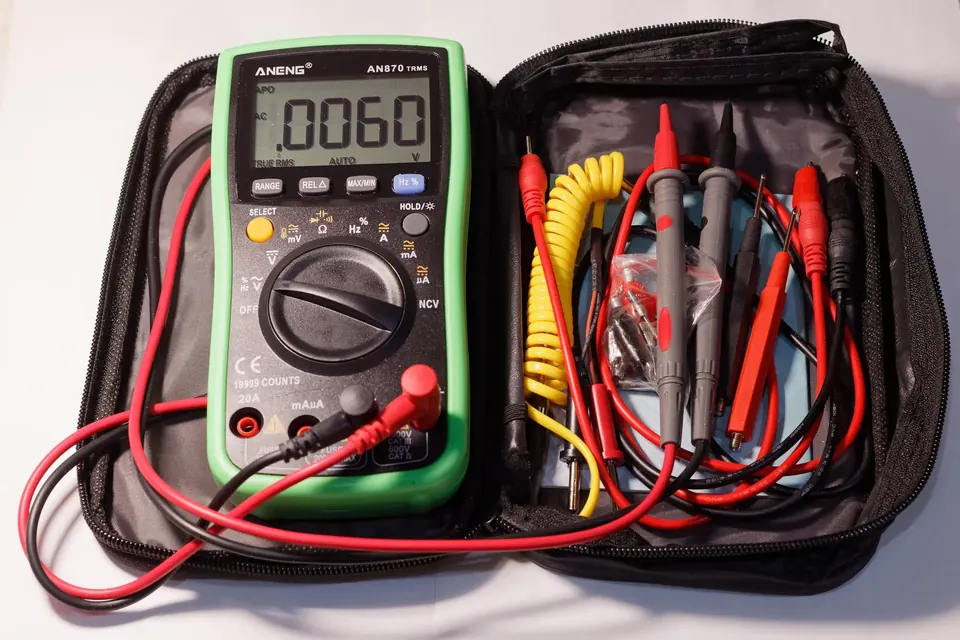
If you have not used a meter on a TV before, start with multimeter basics for TVs. Many power boards print the output rail voltages next to their connectors. With suitable care (see the safety guide), measuring those rails on the low-voltage secondary side while the set is switched on tells you whether the supply is producing what it should. A missing rail points to the supply, or to something on that rail pulling it down.
Faults that imitate a bad board
- Loose or damaged cables. Reseat the cable between the main board and the T-con (with the set unplugged) before buying either board.
- Firmware. A failed or interrupted software update can leave a working main board unable to start. See main boards.
- A shorted LED strip. Some LED drivers shut the whole supply down when they detect a fault, so the set looks like it has a power supply failure.
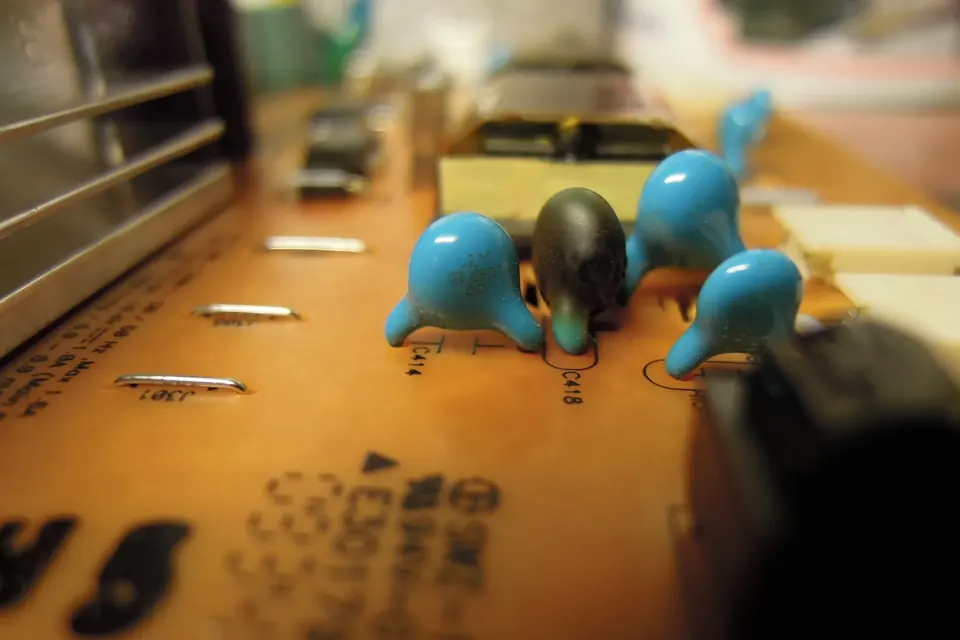
- Swollen capacitors elsewhere. A power board with a bulging capacitor may produce a rail that sags under load, which shows up as random restarts blamed on the main board.
When the symptom points to the panel
Lines that stay fixed regardless of input, cracks, and patches that look like ink spreading under the glass are panel faults. The panel is the most expensive part of the TV, and replacement panels are rarely sold separately for consumer models. That usually settles the question; see repair or replace.
Next steps by board
 Diagnosis
The flashlight test
Sound but no picture? Two minutes with a torch tells a dead backlight from a board fault.
 Board by board
Identifying the boards
A map of the inside of an LCD, LED or plasma TV, and where each board's numbers are printed.
 Board by board
The power supply board
Standby, PFC, main rails and LED driver: the symptoms of a failing supply and the checks you can do safely.