Sound but no picture: the flashlight test for LCD and LED TVs

If your TV plays sound but the screen stays black, there is a quick test that tells you whether the picture is still there in the dark. It needs a torch, a dark room and two minutes.
Why it works
An LCD panel does not make light. Each pixel is a shutter that lets more or less light through from the backlight behind it. If the backlight fails, the panel can still be forming the image perfectly; you just cannot see it, because nothing is shining through. A strong light shone onto the front of the screen reflects off the layers behind the liquid crystal and makes a faint version of the image visible.
This only applies to LCD-based sets: LCD TVs with CCFL tubes, and the "LED TVs" that are LCD panels with LED backlights. OLED and plasma screens make their own light per pixel, so the test means nothing on those.
How to do it
- Make the room as dark as you can. Close curtains, turn off lights.
- Turn the TV on and give it time to start. Bring up something bright and recognisable: the TV's own menu is ideal, because it is generated inside the set and does not depend on any input.
- Hold a bright torch close to the screen, a few centimetres away, at a slight angle. A phone torch works. Do not touch the screen with it.
- Move the light slowly across the screen, looking from the side as well as straight on.
- Press a button on the remote that changes the menu or the volume bar, and watch for the faint image to change.
Reading the result
| What you see under the torch | What it means | Next step |
|---|---|---|
| A faint but clear image, which changes when you press buttons | Main board, T-con and panel are working. The fault is in the backlight: LED strips, LED driver, or the power feeding it. | LED backlight strips and the LED section of the power supply |
| No image at all, just black, and sound plays | Picture data is not reaching the panel, or the panel is not drawing it. | Reseat the main-board-to-T-con cable; then see T-con and main board |
| Image visible for a second or two after switch-on, then the whole screen goes black; sound continues | The backlight started, then shut down. Often the LED driver detecting a failed LED string. | LED backlight strips |
| Image visible in some zones only | Part of the backlight is working | LED strips; on sets with local dimming, the zone that fails may hint at which strip |
Watch the switch-on moment too
Before you start, switch the set off at the wall, wait a minute, then turn it on while looking at the screen in the dark. Many LED drivers try to start the backlight, measure the current or voltage on each string, and shut down if something is out of range. You may catch a brief glow, or see it on one area of the screen, before it goes out. That brief glow is a strong sign that the driver works and a strip has failed.
Common pitfalls
- Testing on a black screen. If the TV is on an input with no signal, the screen may really be black. Use the menu or a bright picture.
- Too little light, too much room light. The image is faint. A bright torch in a dark room makes it obvious.
- Energy-saving settings. Some sets have a "picture off" or "screen off" mode for radio or music. Check the picture settings before you take anything apart.
- Expecting a fault code. Some sets blink the standby light when the backlight fails, others carry on silently. Either can happen.
What not to conclude
A positive flashlight test tells you the backlight is not lit. It does not tell you why. The usual candidates, roughly in order of how often they come up in repair discussions for LED-backlit sets, are:
- One or more failed LEDs in the strips. In many designs the LEDs in a strip are wired in series, so one LED failing open breaks the whole string, and the driver then switches the backlight off altogether.
- A fault in the LED driver section of the power board, or in the separate LED driver board.
- A missing "backlight on" or brightness signal from the main board.
- A connector that has worked loose between the driver and the strips.
Distinguishing between these is covered in LED backlight strips. On older sets with CCFL tubes, the equivalents are a failed tube or a failed inverter board.
A negative result is useful too
If there is sound but no image even under the torch, the backlight may be fine and the picture is not being drawn. A quick look at the screen at an angle with the set on, in a dark room, tells you whether the backlight is glowing. If it glows and there is no image, the problem is upstream of the panel: the T-con, the cable from the main board, or the main board's video output. If it glows and you can see the TV's menu but not your programme, the fault is in the input or source device rather than in any board on the panel side.
Next: the full symptom table.
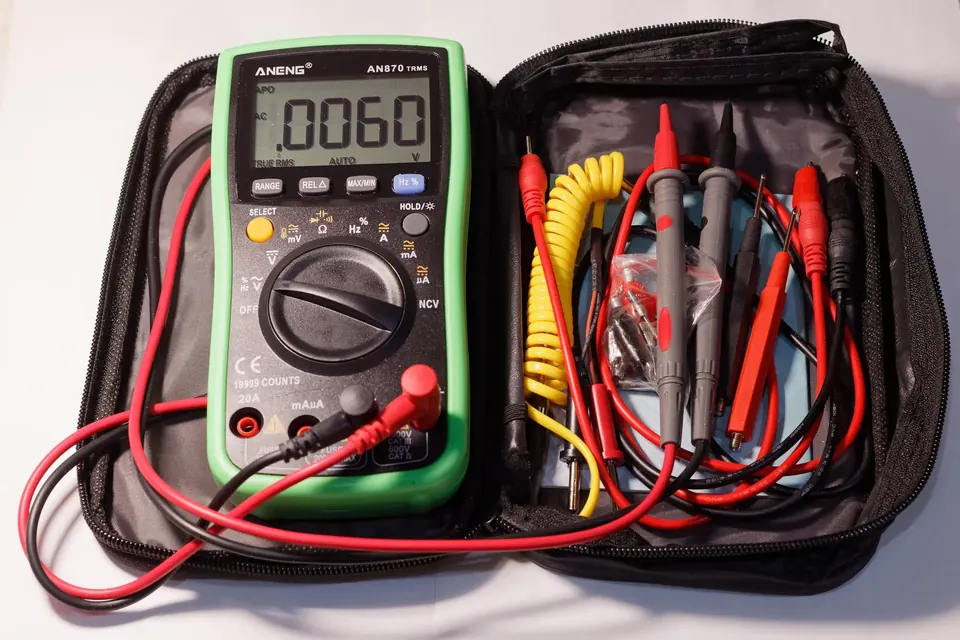 Diagnosis
Symptoms and the likely board
Dead set, clicking, blinking standby light, lines, no HDMI: which board each symptom usually points to.
 Board by board
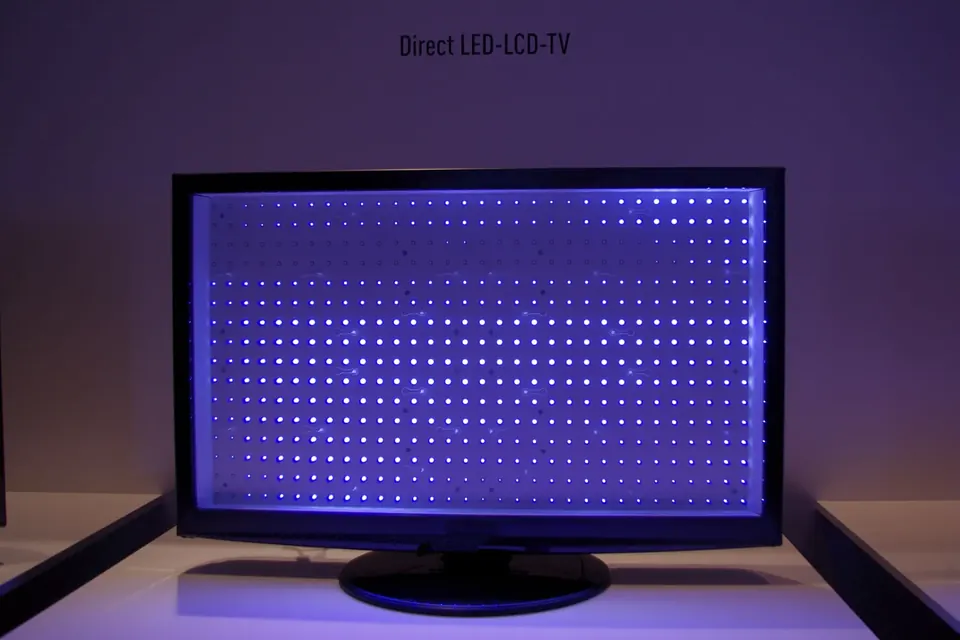
LED backlight strips
Direct-lit and edge-lit backlights, why one failed LED blacks out the screen, and what to check first.
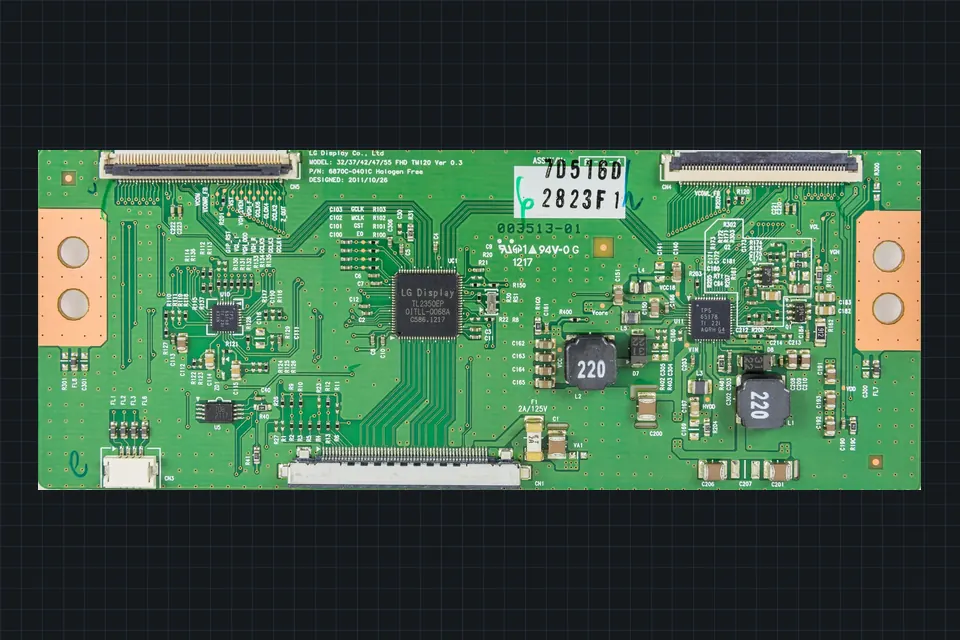 Board by board
The T-con board
What the timing controller does, which symptoms really point to it, and why it is matched to the panel.