The TV power supply board: symptoms, safe checks and common failures
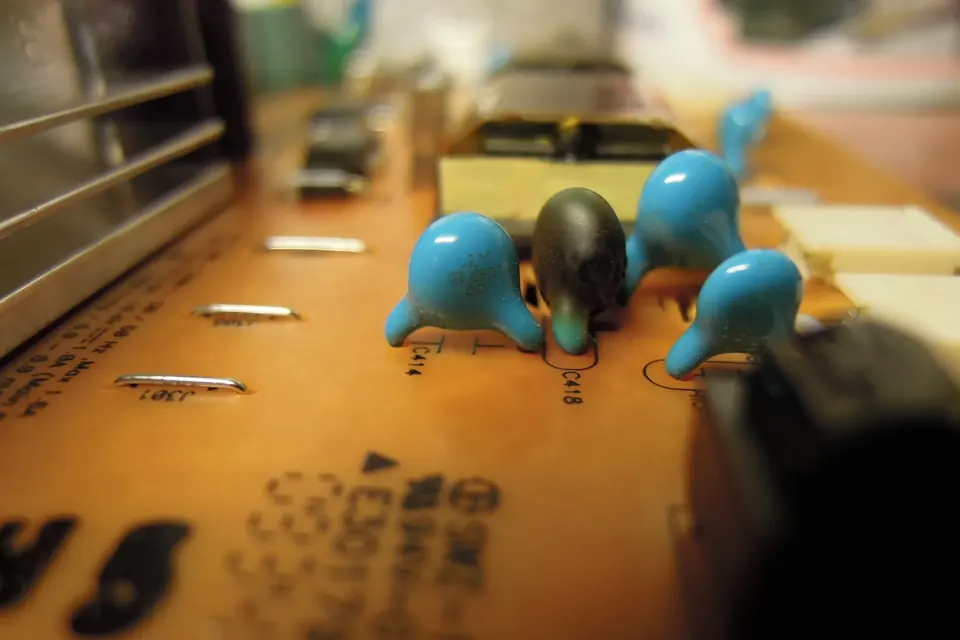
The power supply is the board most likely to be dangerous and, on many older sets, one of the most likely to have failed. Both facts call for the same approach: understand what it does, check the safe things first, and do not improvise.
The sections of a typical supply
| Section | Job | If it fails |
|---|---|---|
| Input: fuse, filter, bridge rectifier | Protects, filters interference, converts AC to DC | Completely dead set; a blown fuse often means a shorted part downstream |
| Standby supply | A small, always-on converter that keeps the remote receiver and the main board's standby processor alive | No standby light, no response to the remote |
| PFC stage (on many sets) | Shapes the current drawn from mains and produces a higher internal DC rail | Set tries to start and shuts down, or clicks |
| Main converter | Produces the main rails for the main board, audio and T-con (12 V, 24 V and others, depending on the set) | Standby light on, set will not turn on; restarts under load |
| LED driver (combined boards) | Constant-current drive for the backlight strips | Sound but no picture |
The sequence at switch-on is: the standby supply runs as soon as the set is plugged in; when you press power, the main board sends an "on" signal to the supply; the main converter starts; then the main board enables the backlight. A fault at any step stops the sequence there, which is why the symptoms are so informative.
Symptoms
- No standby light at all: input or standby section, or the standby light's own board.
- Standby light but nothing else, or relay clicking: main converter or PFC not starting, or the main board not asking it to; also a shorted load (a failed LED strip, a shorted component on the main board) pulling the supply into protection.
- Turns on, then off after a while: a capacitor losing capacity, a rail sagging when warm, or the protection circuit tripping.
- Black screen with sound: the LED driver section, if the board has one. Do the flashlight test.
Safe visual checks
With the set unplugged and the main capacitor confirmed discharged:
- Capacitors. Look at the tops of the electrolytic capacitors, especially the medium-sized ones on the secondary (low-voltage) side. A domed or split top, or brown residue at the base, is a failed capacitor. Electrolytic capacitors age faster when hot, so the ones next to heat sinks are the first to look at.
- Fuse. A glass fuse that is blackened inside, rather than just broken wire, usually means a hard short such as a failed rectifier or switching transistor. Replacing only the fuse will normally blow it again.
- Burn marks and cracked joints. Large components such as transformers and heat sinks flex the board as they heat and cool. Ring-shaped cracks around their solder joints are a known cause of intermittent faults.
- Smell and colour. A browned area of board, or a burnt smell, marks where to look.
Measuring the outputs
Many power boards print the voltage of each output pin next to the connector, for example "12V", "24V" or "5VSB" (5 V standby). With the set powered and your probes on the secondary side only, you can check whether each rail is present. Do it with the board fixed in place and the meter's leads clipped on before you switch on.
- Standby rail present, others missing after pressing power: check that the "on" signal from the main board arrives (it is often labelled PS-ON or similar). If it does and the rails stay off, the supply is the suspect.
- Rails present briefly, then gone: protection is tripping. Disconnect loads one at a time, starting with the backlight, to see which one pulls the supply down. Some supplies need a load or the "on" signal to run, so check what yours expects before testing it on the bench.
- Rails present and stable: the supply is probably fine; look downstream.
New to the meter itself? Using a multimeter on a TV covers choosing a meter and probes, discharge checks, fuses and diodes before you make any live measurement.
Repairing versus replacing the board
Replacing visibly failed secondary-side capacitors with parts of the same capacitance, equal or higher voltage rating, the same or higher temperature rating, and low-ESR type where the original was low-ESR, is a common and sensible repair for people who solder. Polarity matters: the stripe on the can marks the negative lead, and the board marks which way round it goes.
Faults on the primary side (rectifier, PFC, main switching transistors, controller chips) are a different matter. They involve mains-level voltages and, often, a cascade of damaged parts. For most people, replacing the whole board is the safer route.
Matching a replacement supply
Power supplies are usually specific to a range of models, but the same model number can ship with different supplies. Record:
- The sticker part number (for example a Samsung
BN44-…, an LGEAY…or a Sony1-474-…number; see part numbers). - The PCB number and any model name printed on the board.
- The TV's full model and version code.
A supply that has the same connectors and output voltages is not necessarily a match. The backlight current, the standby behaviour and the pin-out of the control connector can all differ. See finding a compatible board.
After the repair
Before refitting the back cover, run the set with the back off for a while and look and listen: no hissing, no smell, no part getting too hot to approach. Then refit every screw and the plastic insulating sheets that sit between some power boards and the chassis. Those sheets are there for a reason.
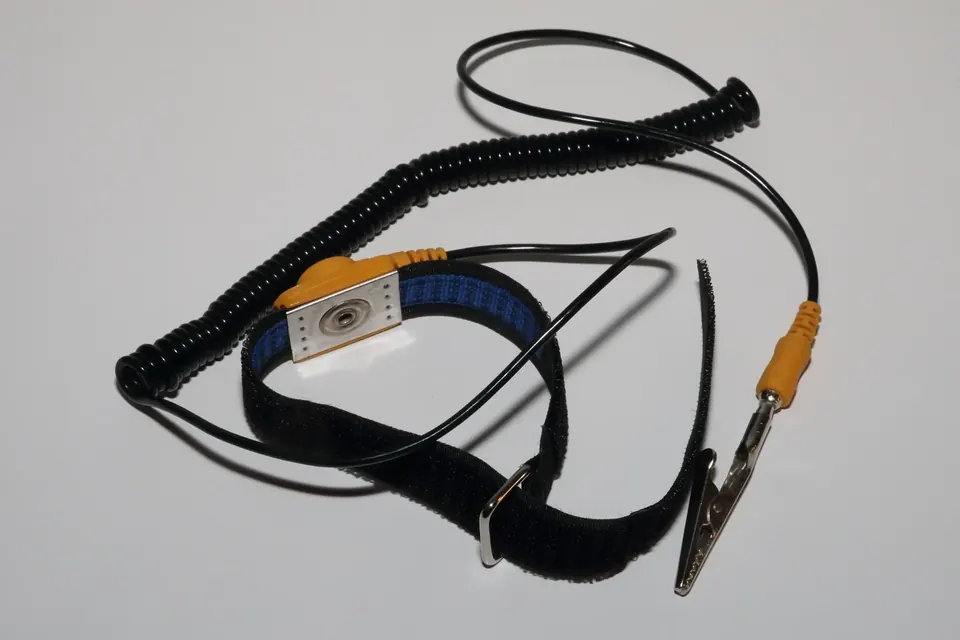 Diagnosis
Safety and ESD
Stored charge, live tests, glass panels and static: how to work inside a TV without hurting yourself or the boards.
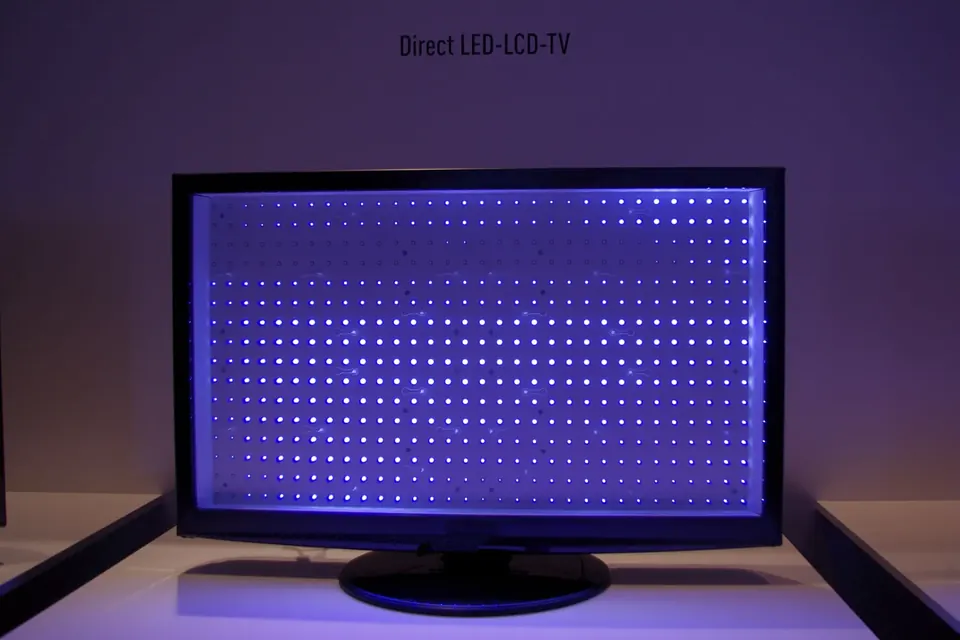 Board by board
LED backlight strips
Direct-lit and edge-lit backlights, why one failed LED blacks out the screen, and what to check first.
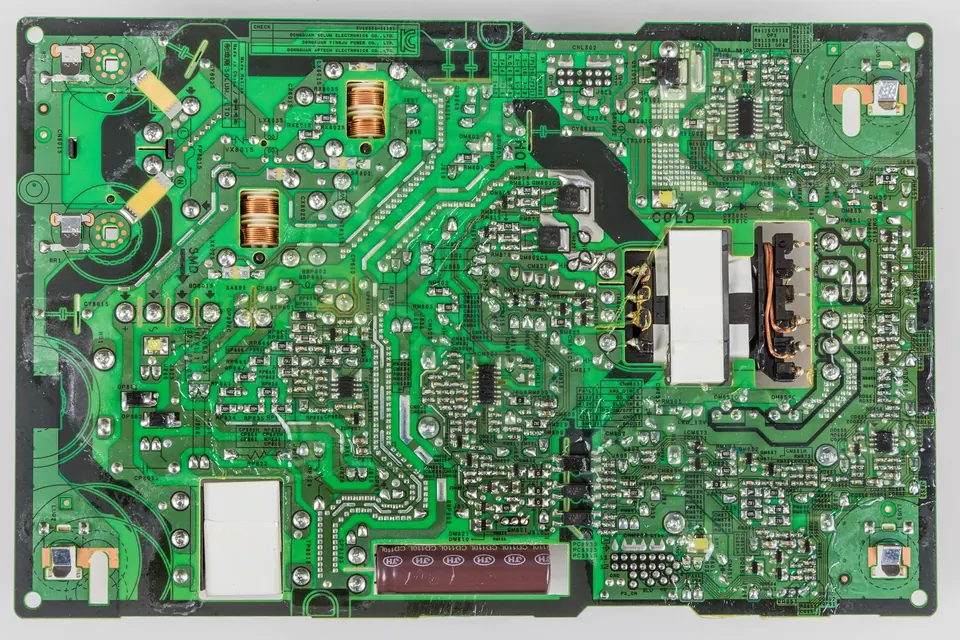 Parts and decisions
Finding a compatible board
Service number, PCB number, suffixes, panel models and firmware: matching a replacement without guesswork.