LED backlight strips: how they fail and how to diagnose them
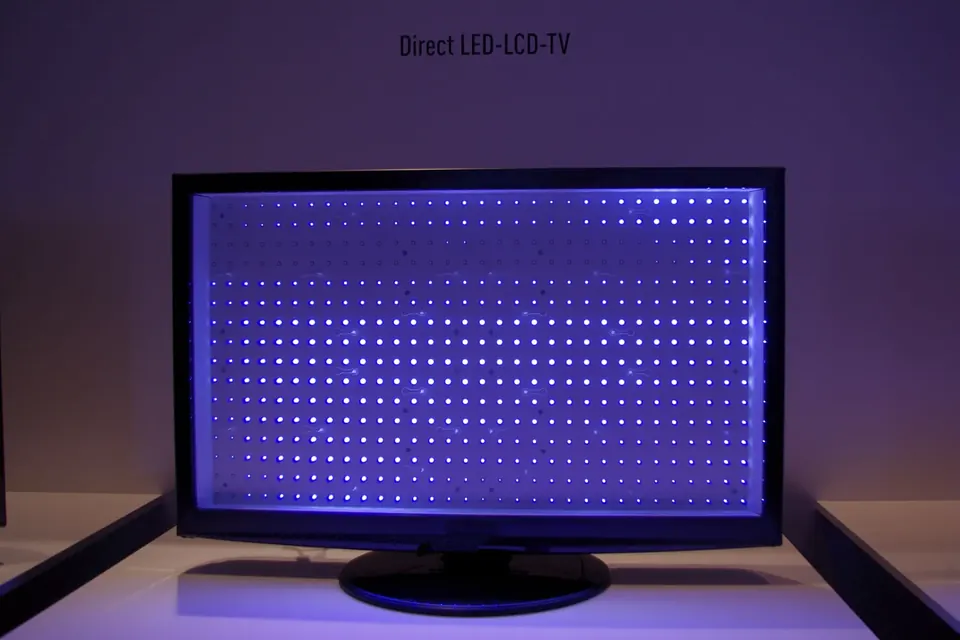
In an "LED TV" the LEDs are only the light source behind an LCD panel. They are also, by a wide margin, the part of modern sets that repair discussions most often blame for "sound but no picture".
Two layouts
Direct-lit
Strips of LEDs run across the back of the set, behind the panel, each LED usually under a small plastic lens that spreads its light. A diffuser plate and several optical films sit between the LEDs and the panel. Most mid-range and budget sets of recent years are built this way. With local dimming, the backlight is divided into zones that the main board can brighten or dim separately.
Edge-lit
LEDs line one or more edges of the panel and shine into a light guide plate, an acrylic sheet patterned to spread the light across the screen. Edge-lit sets can be very thin, but the strips are harder to reach: getting to them often means taking the panel stack apart from the front.
Why one LED can black out the screen
In many designs the LEDs on a strip, and often several strips, are wired in series and driven by a constant-current supply. When one LED fails open circuit, the whole series string stops conducting. When one fails short, the string voltage drops and the remaining LEDs share the drive, which can stress them further.
LED drivers typically watch for these conditions. If a string draws no current, or its voltage is outside the expected window, the driver shuts down to protect itself, and with it the whole backlight. That is why a single failed LED often produces a completely dark screen, and why the screen sometimes lights for a moment at switch-on before going black.
Signs it is the strips
- The flashlight test shows an image.
- A brief glow at switch-on, then darkness, with sound continuing.
- Patches of the screen darker than others, or a blue or purple tint in one area (LEDs can change colour as their phosphor degrades).
- Bright spots or circles where a lens has come unstuck from an LED.
Testing
Visual inspection
With the set unplugged and the panel stack removed (see below), look at each LED. A failed LED sometimes shows a dark spot or a burn mark on its yellow phosphor surface. Lenses that have fallen off are obvious. Discoloured or browned areas on the strip suggest overheating.
Testing LEDs individually
A standard multimeter's diode test usually cannot light a backlight LED, because many TV backlight LEDs need more forward voltage than a meter supplies. Purpose-made LED and backlight testers apply a higher, current-limited voltage and light one LED or one strip at a time. Test each LED in turn: the one that stays dark, or the strip that will not light, is the candidate.
Checking the driver
If every strip lights on a tester, the driver or its control signals are the next suspects. Many power boards label the backlight "on" and dimming inputs, which come from the main board. Their absence points upstream; their presence with no driver output points to the driver.
Replacing strips
- Replace the full set if you can. LEDs in the same backlight have the same hours of use. Replacing one failed strip and leaving the others is common, but the next failure may not be far behind.
- Match the strip by its own number, printed on the strip, together with the panel model. Strip sets for one screen size from one panel maker can differ in the number of LEDs and in the connector.
- Keep the layout. Strips are often of two or more types in one set (an A and a B variant, or left and right). Note the order before removal.
- Refit every lens and the reflector sheet in the same position. A lens out of place gives a bright spot that shows through the picture.
Getting to the strips
On direct-lit sets the strips sit behind the panel, so the panel must come out. The general sequence is: back cover off, boards and cables noted, set turned face-up, front bezel removed, then the panel lifted out by its frame, followed by the diffuser and optical films, kept in order and clean. The panel itself is fragile and its T-con flex cables are easily damaged; see safety and ESD and T-con boards.
Work in a clean, dust-free space. Fingerprints and dust between the diffuser films will show in the picture.
A note on driving the LEDs harder
Some repair discussions suggest lowering the backlight current after a strip repair to extend LED life, either by changing a resistor on the driver or through a service menu. It is a trade-off between brightness and lifespan, and the right values depend on the specific driver. Board Level does not give component values for this, because they are model-specific; if you consider it, work from your set's service documentation.
Older CCFL backlights
LCD sets made before LED backlights became standard use cold-cathode fluorescent lamps (CCFL), driven by an inverter board that produces high-voltage AC. The equivalent symptoms are a dark screen with sound, or a picture that shuts off after a few seconds. The suspects are a failed lamp, which the inverter detects and shuts down for, or a failed inverter. CCFL lamps contain a small amount of mercury, so a broken or replaced lamp should go to electronics recycling rather than household waste.
 Diagnosis
The flashlight test
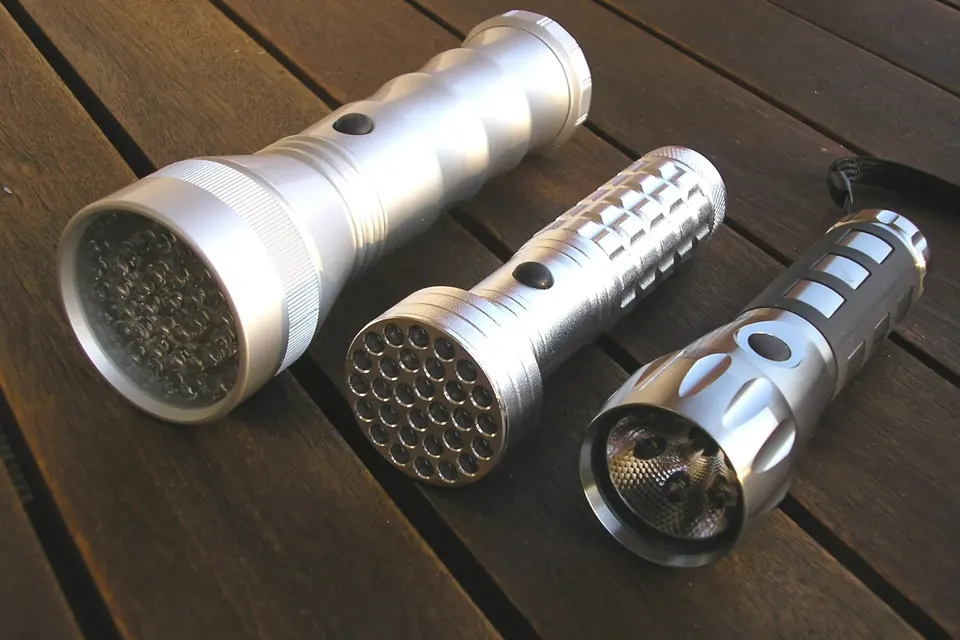
Sound but no picture? Two minutes with a torch tells a dead backlight from a board fault.
 Board by board
The power supply board
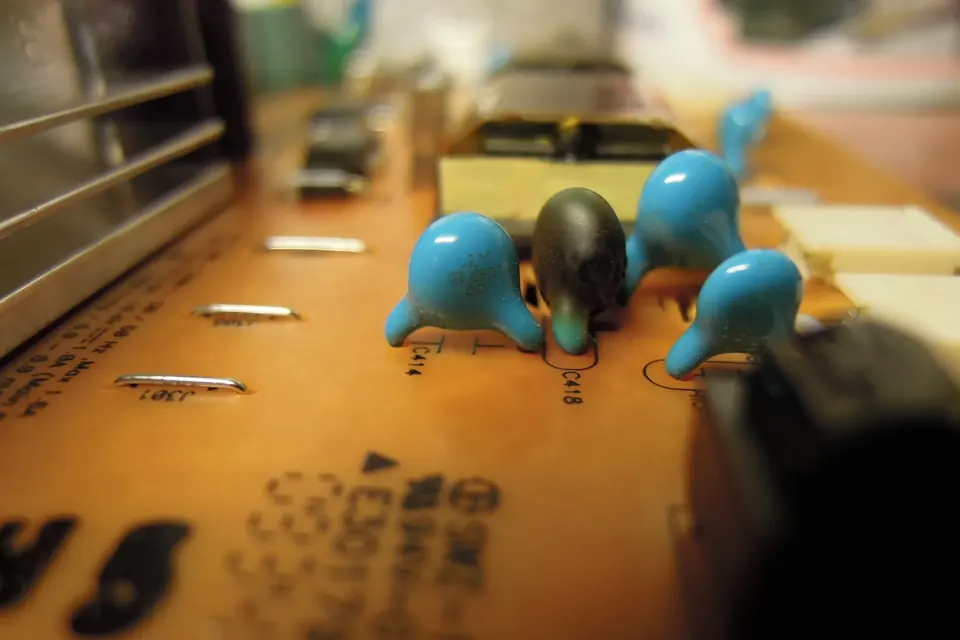
Standby, PFC, main rails and LED driver: the symptoms of a failing supply and the checks you can do safely.
 Parts and decisions
Repair or replace?
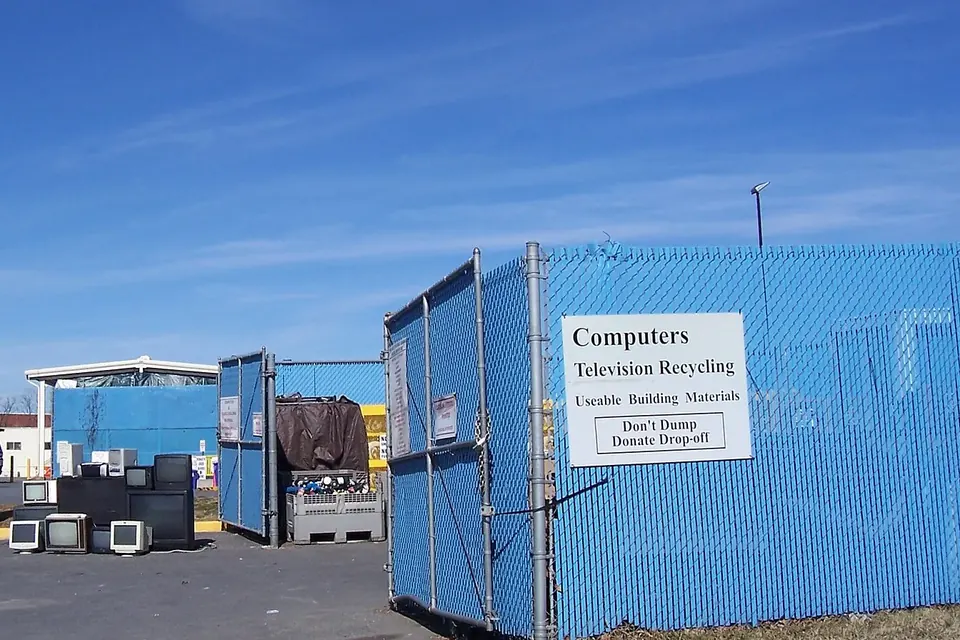
Which faults are worth fixing, why a cracked panel usually ends it, and how to dispose of a TV responsibly.