Plasma TV boards: Y-sustain, X-sustain, buffers and logic
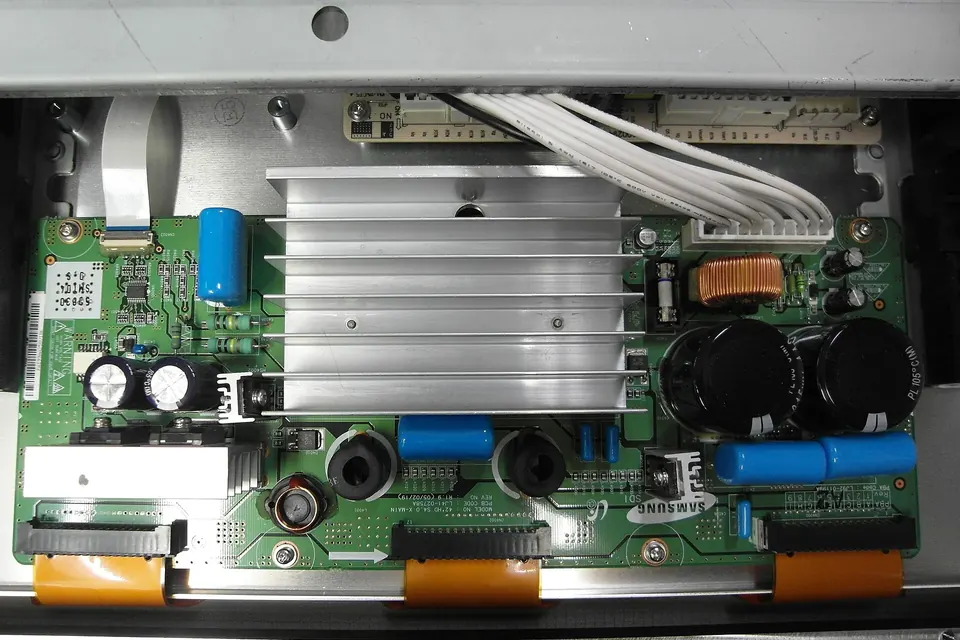
Plasma TVs are no longer made, but many are still in use, and their faults are well understood. They have more boards than an LCD set, and the boards are tied closely to the panel they drive.
Panasonic, one of the best-known plasma makers, announced in October 2013 that it would end panel production that December and stop selling plasma TVs by the end of its financial year in March 2014, as reported at the time by What Hi-Fi?. Parts for plasma sets now come mostly from used and refurbished stock.
How a plasma panel is driven
Each plasma cell is a tiny gas discharge. The panel has three sets of electrodes: scan (Y) electrodes and sustain (X) electrodes running horizontally, and address electrodes running vertically. In each sub-field of a frame the drive circuits reset the cells, address the ones that should light (by selecting a row on the Y electrodes and applying data on the address electrodes), then apply a train of sustain pulses between X and Y to make the addressed cells glow. The number of pulses sets the brightness.
The boards
| Board | Names you may see | Role |
|---|---|---|
| Power supply | PSU, P board (Panasonic) | Standby and logic rails, plus the sustain (Vs) and address (Va) voltages |
| Main board | A board (Panasonic) | Inputs and video processing, as in an LCD set |
| Logic / control board | Logic, control, D board (Panasonic) | Turns the video into the sub-field drive sequence; the plasma counterpart of a T-con |
| Y-sustain | Y-SUS, Y-main, SC board (scan, Panasonic) | Generates the scan and sustain waveforms for the Y electrodes |
| Y-buffers | Y-buffer, scan buffer, SU/SD (Panasonic) | Carry the scan drive ICs that select each row |
| X-sustain | X-SUS, X-main, Z-SUS (LG), SS board (Panasonic) | Generates the sustain waveform for the X electrodes |
| Address buffers | E/F buffers, address boards, C boards (Panasonic) | Pass address data from the logic board to the panel's address electrode drivers |
Names vary between brands and generations; the role is what matters.
Symptoms and the likely board
- Clicks, shuts down a few seconds after start, standby light blinks: the set's protection has tripped. A shorted sustain or buffer board is a frequent cause, and so is the power supply. Many sets report the area through a blink code.
- No picture, sound OK, set stays on: logic board or a missing sustain voltage.
- Picture very dark, or only bright parts visible: sustain drive weak; Y- or X-sustain, or the sustain voltage.
- Horizontal bars, or the top or bottom half missing: a Y-buffer board.
- Vertical bars, or blocks of columns wrong: an address buffer or its connection to the panel, or the panel's own address drivers.
- Sparkles, "snow" in bright areas, or cells flickering: sustain voltage or timing off, or a failing sustain board.
- Image retention or burned-in patterns that do not go away: panel wear, not a board fault.
Isolating a shorted board
When a plasma set shuts itself down, the usual approach is to find which board pulls the supply into protection. With the set unplugged and the capacitors discharged each time:
- Inspect each sustain and buffer board for burnt components, cracked or blackened parts, and failed solder joints on large components.
- Check the power supply on its own, if your model's documentation describes how to run it without its loads.
- Disconnect boards one at a time following the service documentation for your set. Some boards can be disconnected safely for a test and others cannot: running a panel without its sustain drive, or the sustain without its buffers, can damage the panel or the board.
Because of that last point, this is a step to take only with the set's service information in front of you.
Panel voltage labels
Many plasma panels carry a label on the panel itself listing the drive voltages that panel was set up for, such as Vs (sustain) and Va (address). Replacement sustain boards and power supplies often have adjustment potentiometers for these voltages. Set them to the panel label's values, not to another set's, and adjust only with the right documentation and a meter on the correct test points.
Matching plasma boards
Plasma drive boards belong to the panel. The same TV brand may have used panels from different makers, and one maker's panels were used by several brands: Samsung LJ92-… boards, for example, are listed by sellers for Philips, Magnavox and Dell plasma models as well as Samsung ones. Record:
- The panel model from the panel's label.
- Each board's sticker number and PCB number (Samsung
LJ92-/LJ41-, LG6871Q…/6870Q…, PanasonicTXN…/TNPA…; see part numbers).
Some boards are sold and replaced in sets: parts sellers offer, for example, a Samsung Y-main with its upper and lower buffers as one kit, and advise replacing all three together. Y- and Z-sustain boards from a different panel are generally not drop-in replacements even when they look alike.
Is it worth it?
A plasma set with a single failed board and an otherwise healthy panel can be worth repairing if a matching board is available. A set with panel damage, heavy burn-in or several failed boards usually is not. See repair or replace, and remember that plasma sets are heavy and power-hungry compared with recent LCD sets, which is part of the calculation.
 Board by board
Identifying the boards
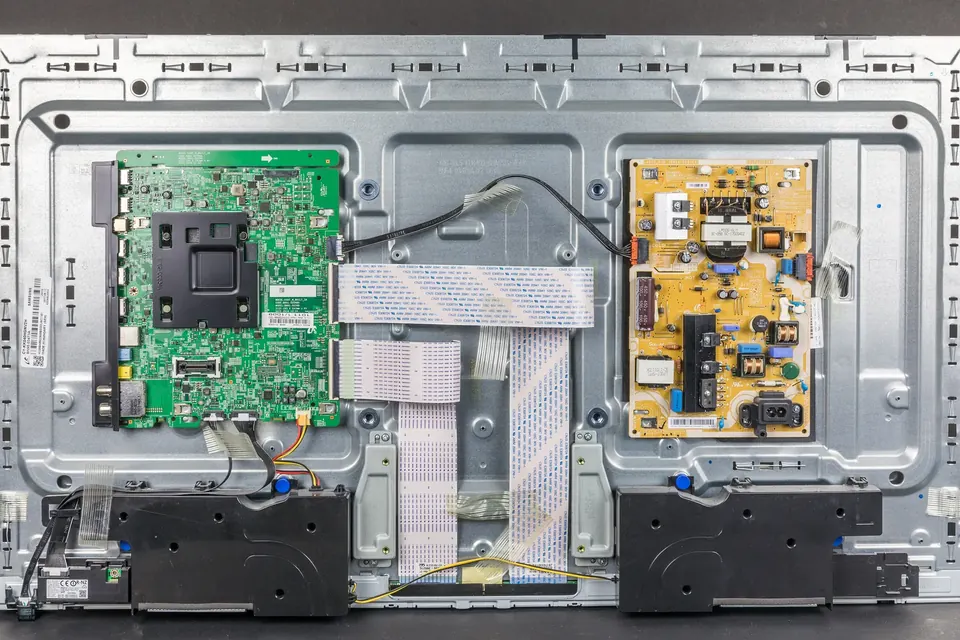
A map of the inside of an LCD, LED or plasma TV, and where each board's numbers are printed.
 Parts and decisions
Finding a compatible board
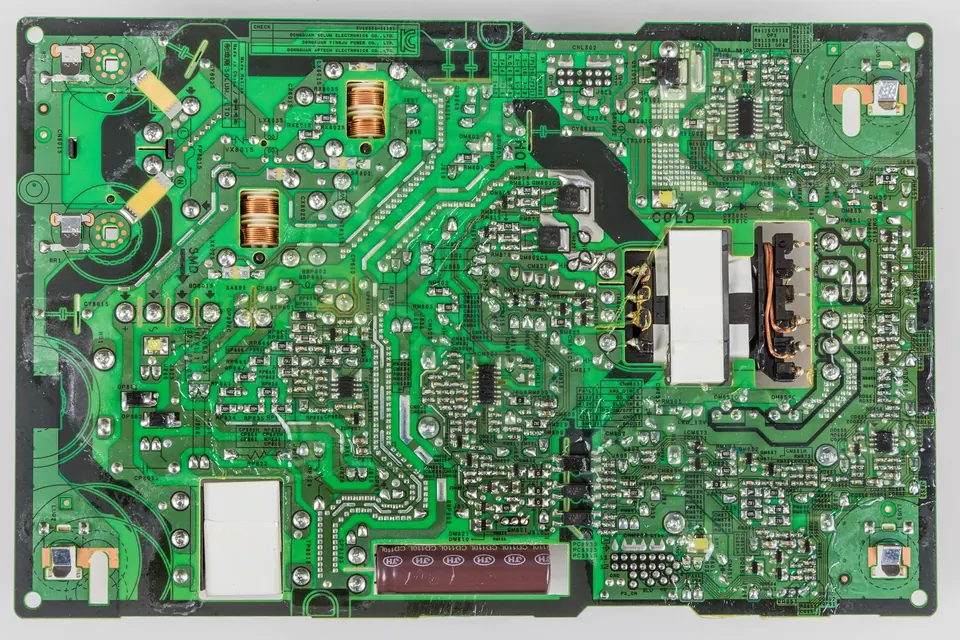
Service number, PCB number, suffixes, panel models and firmware: matching a replacement without guesswork.
 Diagnosis
Safety and ESD
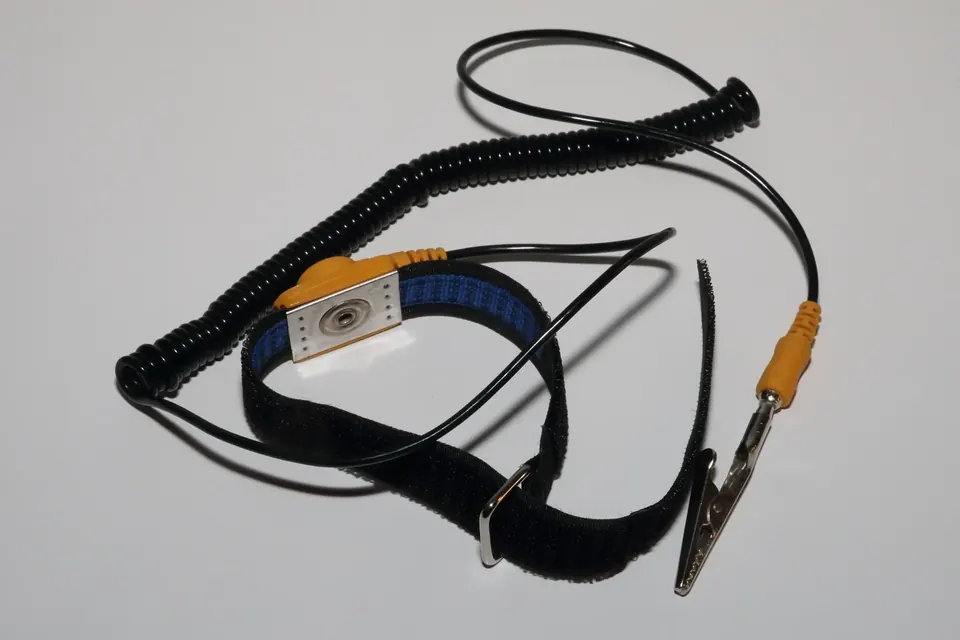
Stored charge, live tests, glass panels and static: how to work inside a TV without hurting yourself or the boards.