How to identify the boards inside a flat-panel TV
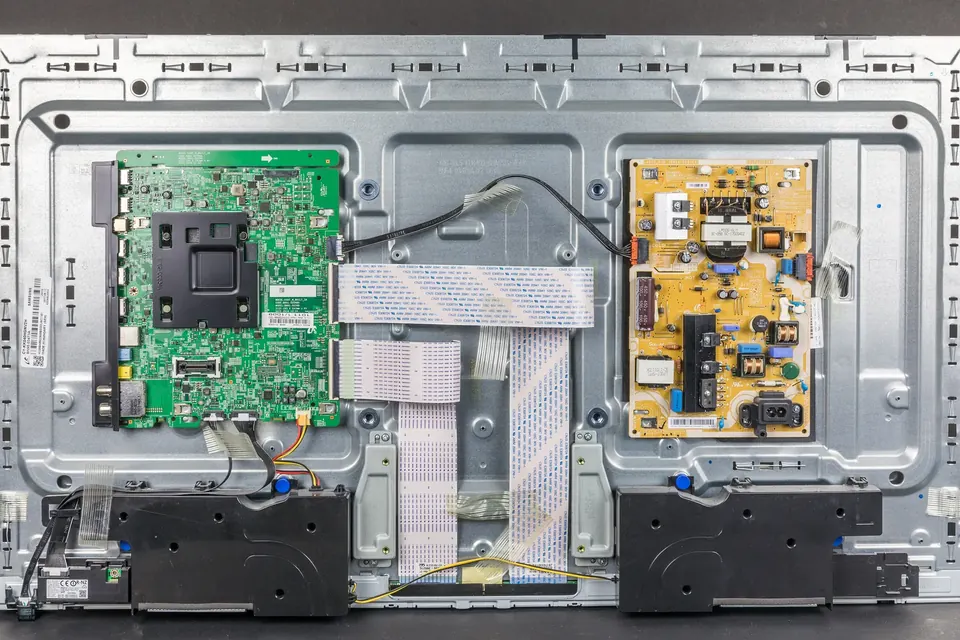
Take the back off almost any flat-panel TV and you will find the same handful of boards in roughly the same places. Once you can name them, most fault descriptions start to make sense.
This guide is a map. It describes what each board does, how to recognise it, and which labels to note before you remove anything. The later guides go deeper into each board type.
Before you open it: the label on the back
The rating label on the back of the cabinet is the most useful piece of information you have. Note down, or photograph:
- The full model number, including any suffix letters. Manufacturers often sell sets with the same base model number in different regions or production runs.
- The version or revision code, where there is one. Samsung labels, for example, commonly carry a "Version" or "Ver." code, and LG labels a separate suffix or chassis code. Two sets with the same model number but different versions can have different boards inside.
- The serial number and manufacturing date, which a parts catalogue or support page may ask for.
Then follow the safety guide: unplug, lay the set face-down on a soft flat surface, and remove the back cover screws (photograph where the different lengths go).
The main boards in an LCD or LED TV
| Board | What it does | How to recognise it |
|---|---|---|
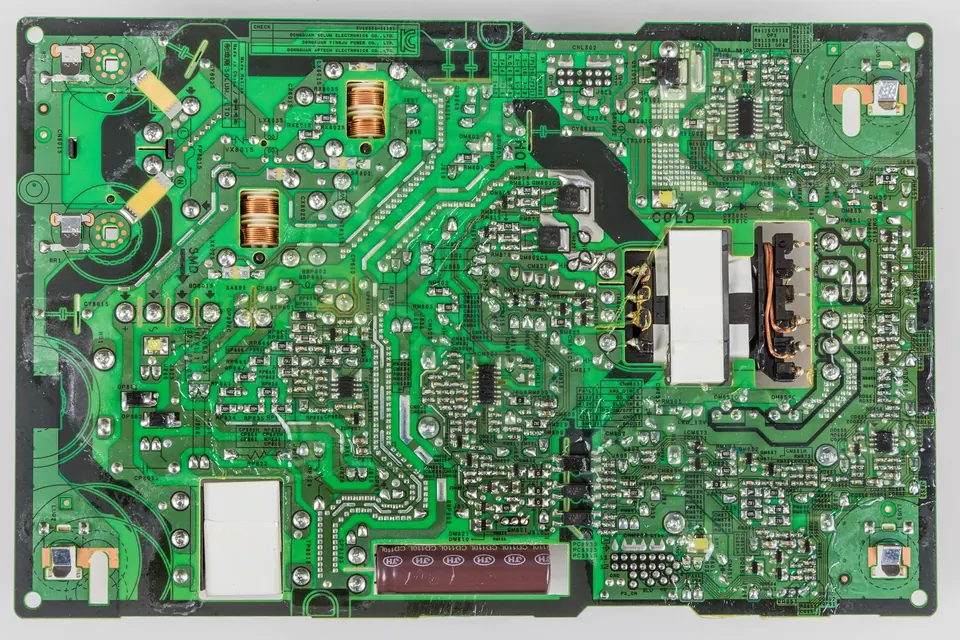
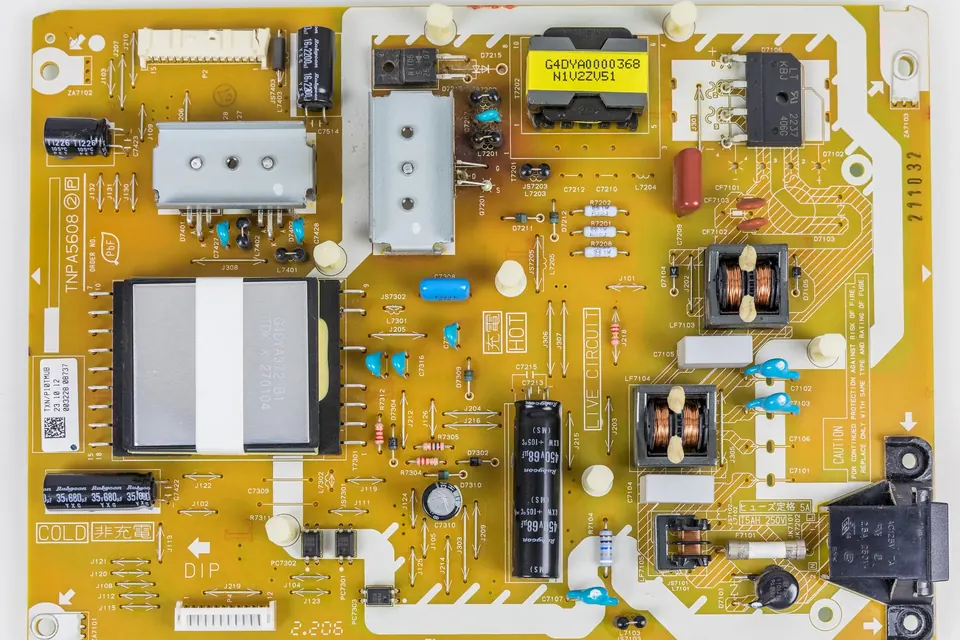
| Power supply (PSU, SMPS) | Turns mains AC into the low-voltage DC rails the other boards need; in many sets also powers the backlight. | Mains cable plugs into it. Large electrolytic capacitors, a fuse near the inlet, transformers, heat sinks. |
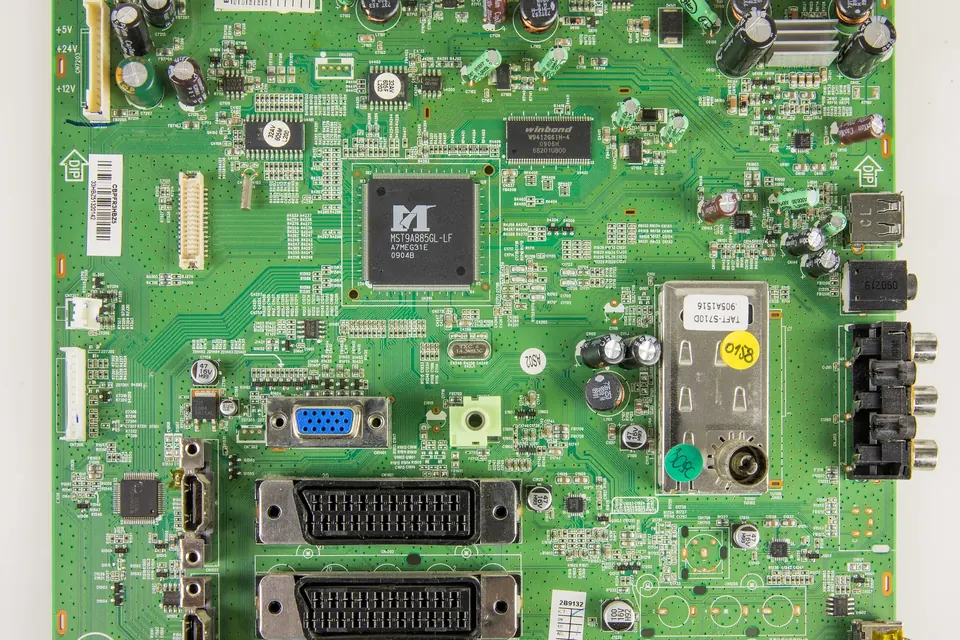
| Main board (mainboard, signal board, "A board") | Tuner, inputs (HDMI, USB, aerial), video processing, the smart-TV system, audio. Sends the picture to the T-con. | All the external sockets are on it or cabled to it. Large processor, often under a heat sink; memory chips. |
| T-con (timing controller) | Takes the picture data from the main board and generates the timing signals that drive the panel's rows and columns. | Small board near the top or bottom edge of the panel, joined to it by one or more thin ribbon cables; a wide flat cable runs to the main board. |
| LED driver / inverter | Supplies the backlight: constant-current drive for LED strips, or high-voltage AC for older CCFL tubes. | Often part of the power board (labelled LED or BL section). Separate small board in some sets. On CCFL sets, small transformers and wires to the panel's side. |
| Small boards | IR receiver and power button, keypad, Wi-Fi/Bluetooth module, speakers, sometimes a separate tuner or audio amplifier. | Small, cabled to the main board. |
The arrangement varies. Smaller and cheaper sets often combine the power supply and the main board on a single board. Some combine the power supply and the LED driver. Some have the T-con circuitry built onto the panel itself rather than a separate board, in which case the "T-con" is not separately replaceable.
The panel is not a board
The LCD panel, with its backlight and its bonded driver chips along the edge, is a single assembly. Its own label (often on the metal frame, visible with the back off) gives a panel model number, for example from the panel maker, which can differ from the TV brand. That number matters when you look for a T-con board, because the T-con belongs to the panel rather than to the TV model. See T-con boards.
The boards in a plasma TV
Plasma sets, produced until the mid-2010s, have more boards because the panel needs high-voltage drive circuits. A typical layout has:
- Power supply, larger than an LCD one, producing the standby and logic rails plus the sustain and address voltages.
- Main board, much as in an LCD set.
- Logic or control board, the plasma counterpart of a T-con.
- Y-sustain (scan) board and its Y-buffer boards along one side of the panel.
- X-sustain board (LG calls the equivalent the Z-sustain) on the other side.
- Address buffer boards along the bottom (or top) edge, sometimes called E and F buffers or similar.
These are described in detail in plasma TV boards.
Where the numbers are
Each board usually carries more than one number, and the difference matters when you look for a replacement:
- A sticker, often a white or coloured barcode label, with the part number of the assembled board. This is usually the number that service departments and parts catalogues use.
- A number printed on the PCB itself (in the copper or silkscreen), identifying the bare circuit board design. The same bare board can be assembled into several different parts with different components or firmware.
- Sometimes a third code for the board's role, such as a short name in the silkscreen.
Photograph both sides of every label before you remove a board. Reading TV board part numbers explains how the main brands format them and why the sticker number is usually the one to match.
Following the cables
If you are unsure which board is which, follow the cables:
- The mains lead goes to the power supply.
- The power supply sends a multi-wire harness to the main board (and, in many sets, a separate one to the LED strips or LED driver).
- The main board sends a wide flat cable (LVDS, or V-by-One on many newer sets) to the T-con.
- The T-con connects to the panel edge through thin flexible cables.
Knowing that chain is the basis of most diagnosis: a fault usually shows up downstream of the board that failed. Symptoms and the likely board uses it to narrow things down.
Do not remove boards you do not need to
Every connector you unplug is one more chance of a bent pin or a cable put back the wrong way round. Identify the boards in place, decide which one is suspect, and only remove that one. If you must take several out, label each cable with masking tape as you go.
 Parts and decisions
Reading part numbers
Sticker number versus PCB number, brand conventions, and why a prefix is a hint rather than a guarantee.
 Board by board
The power supply board
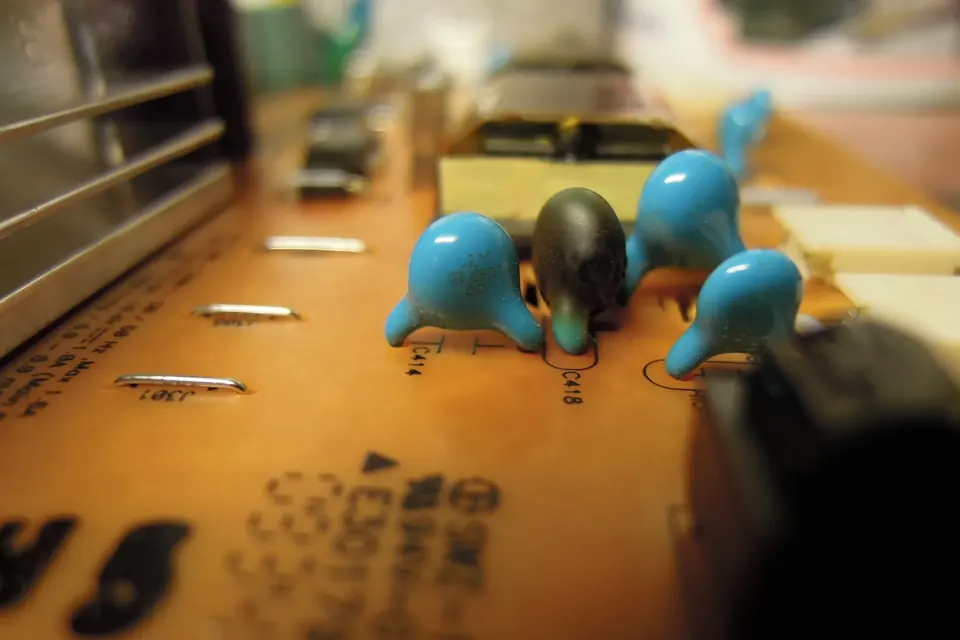
Standby, PFC, main rails and LED driver: the symptoms of a failing supply and the checks you can do safely.
 Board by board
The main board
Hardware fault or software fault? HDMI problems, boot loops, firmware recovery and exact version matching.