The TV main board: firmware, HDMI faults and boot loops
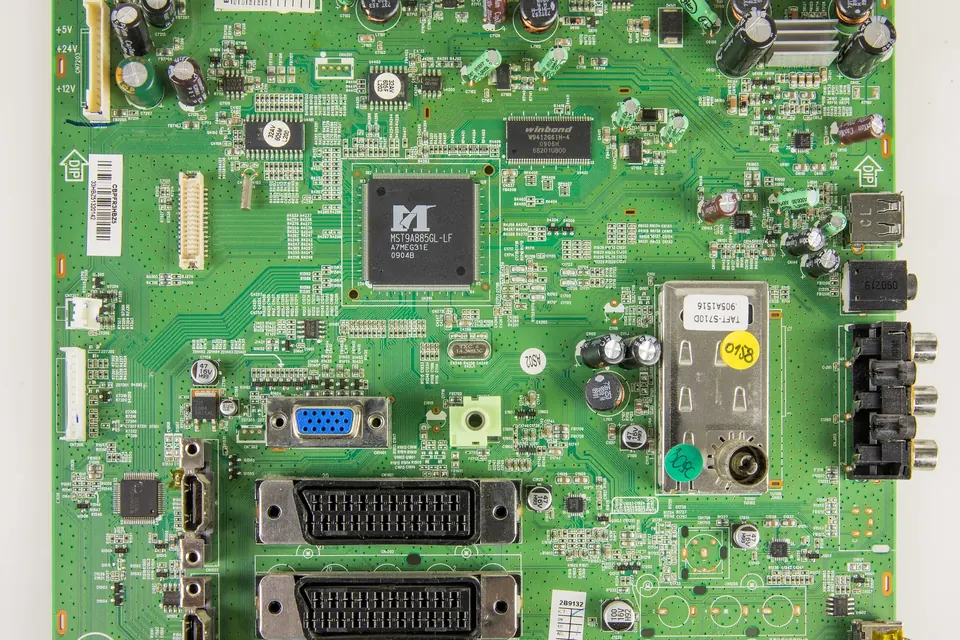
The main board is the TV's computer: tuner, inputs, video processing, sound and, on smart sets, a full operating system. Many of its faults are software, not hardware, which changes what you should try first.
What it does
- Receives broadcast signals (tuner) and external inputs (HDMI, USB, composite, network).
- Decodes and processes video: scaling, frame-rate conversion, picture settings.
- Generates the on-screen menus.
- Sends the picture to the T-con over LVDS or V-by-One, and controls the backlight on and dimming signals.
- Drives the audio amplifier, often on the same board.
- Runs the smart-TV system and stores its software in flash memory.
- Tells the power supply when to switch on, and switches it off on a fault.
Symptoms
| Symptom | Hardware or software? |
|---|---|
| Stuck on the logo, or restarting in a loop | Often software (corrupted firmware or full storage); can be failing flash memory |
| No picture from one HDMI port, others fine | Usually hardware on that port, or the source device or cable |
| No picture from any HDMI port, menu fine | Settings, source devices, or the main board's HDMI receiver |
| Standby light, no start, power supply rails present when forced on | Main board not starting |
| Apps crash, very slow menus | Usually software; sometimes failing storage |
| No sound from speakers, sound on headphones or optical out | Amplifier section, or speakers and cables |
| Picture looks wrong after a board swap (split image, wrong colours, wrong panel timing) | Wrong board or wrong firmware/panel configuration for that panel |
Try software first
Power reset
Unplug the set from the wall for several minutes. This clears temporary states that a remote-control standby does not.
Factory reset
If the menus work, a factory reset from the settings menu clears corrupted settings. It also erases your channel list, logins and preferences.
Firmware update or recovery
Most major manufacturers publish firmware for their TVs on their support sites, downloadable by model number and installed from a USB stick, for example through Samsung's support downloads or LG's software and firmware page. Use only the file for your exact model and region, and follow the manufacturer's instructions for the USB format and folder layout.
Some sets have a recovery procedure that loads software from USB even when the TV does not boot. Whether one exists, and how it is triggered, depends on the model; the manufacturer's support pages are the place to look.
HDMI faults
HDMI ports are one of the more exposed parts of a main board: they are plugged and unplugged, and the connected devices are on different mains sockets and sometimes different earths. Before blaming the board:
- Try another cable and another source device on the same port.
- Try the same device on another port.
- Switch off any HDMI-CEC control feature and enhanced or "deep colour" format settings for that port, then try again; a source and TV that negotiate the wrong mode can produce no picture.
- Look at the port with a torch for bent or missing pins.
The HDMI specifications are maintained by HDMI Licensing Administrator. A port that works at one resolution and not at another usually points to a cable or settings issue rather than a failed board.
Hardware checks
- Confirm the power supply's rails reach the main board connector.
- Look for swollen capacitors and burnt components near the voltage regulators on the board.
- Check that the processor's heat sink is seated and its clips intact. Some boards rely on a thermal pad that dries out with age.
- Reseat every cable, especially the panel cable and the power harness.
Beyond that, main board repair at component level (reflowing or replacing processors and memory chips) needs equipment and skills outside the scope of this site. For most people the practical repair is a replacement board.
Matching a replacement
Main boards are the board type where an almost-matching part most often fails to work. A replacement has to suit:
- The TV model and version code: the same model can use different main boards in different production runs.
- The panel: the main board's software includes settings for the panel it drives. The same main board hardware may be configured differently for panels from different makers.
- The region: tuners and broadcast standards differ between markets.
So the order of preference is: the same sticker part number (for example a Samsung BN94-…, an LG EBT…, a Panasonic TXN/A1… A board, or a Sony A-… board); then a part that the manufacturer lists as its replacement; only then, with care, a board with the same PCB number. See part numbers and finding a compatible board.
After fitting a replacement
- Check the software version in the menu and update it from the manufacturer's site if needed.
- Check that the model shown in the service or information menu matches your set. A board configured for a different model can show the wrong options or the wrong panel timing.
- Be aware that some smart-TV features tied to a device identity may need setting up again.
 Board by board
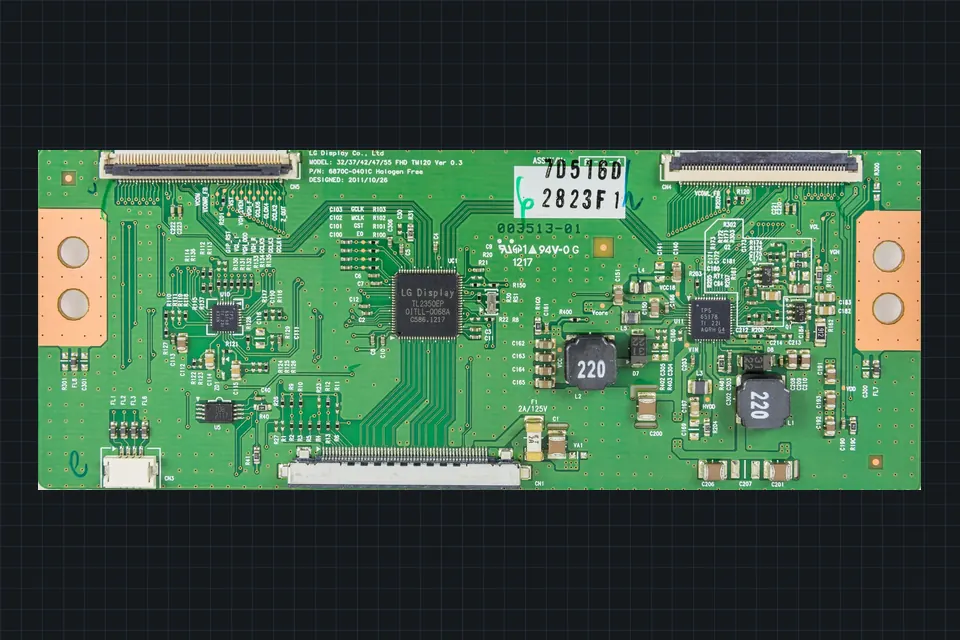
The T-con board
What the timing controller does, which symptoms really point to it, and why it is matched to the panel.
 Diagnosis
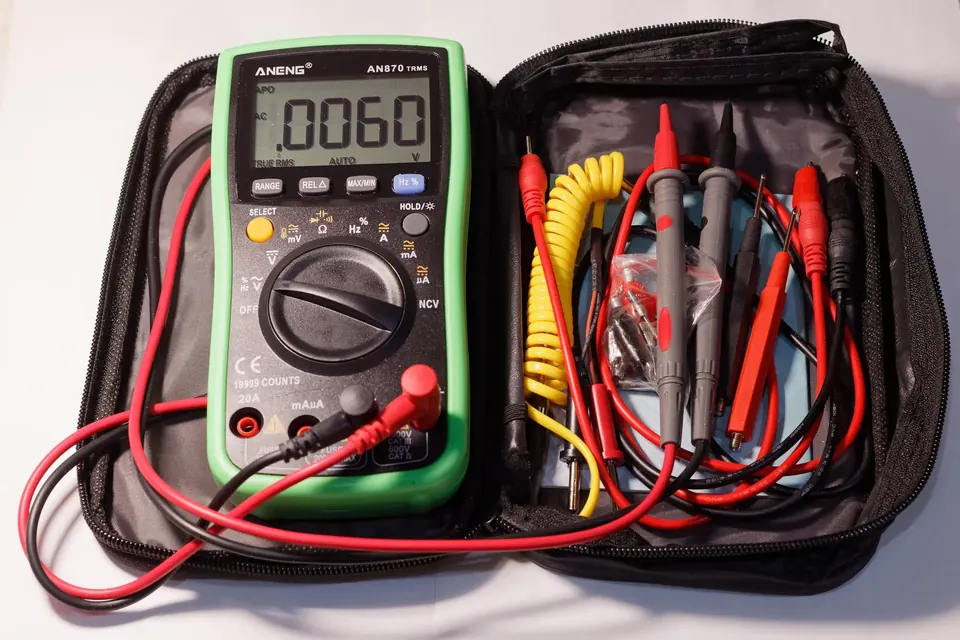
Symptoms and the likely board
Dead set, clicking, blinking standby light, lines, no HDMI: which board each symptom usually points to.
 Parts and decisions
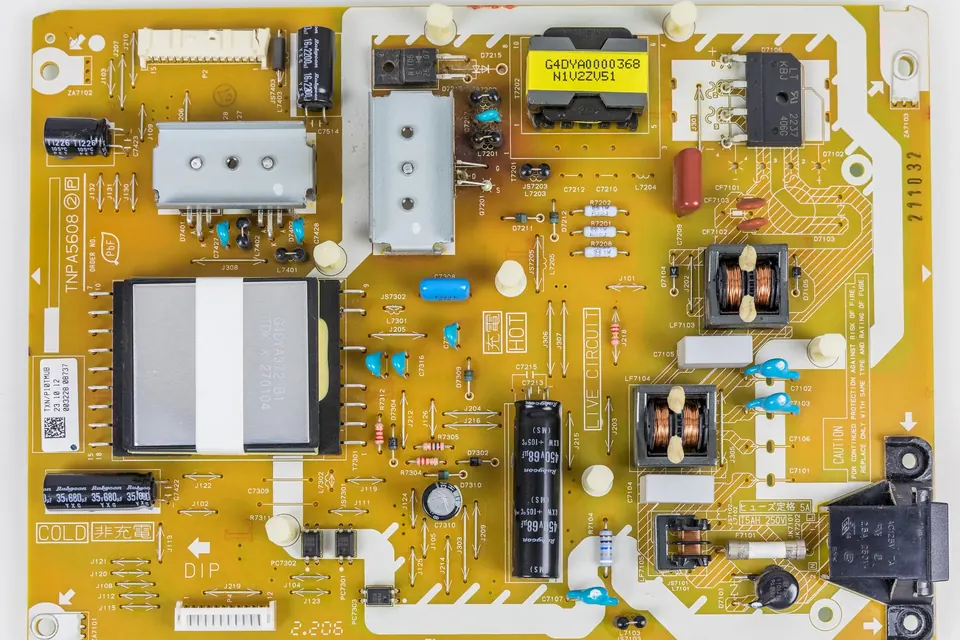
Reading part numbers
Sticker number versus PCB number, brand conventions, and why a prefix is a hint rather than a guarantee.