The T-con board: what it does, how it fails, how to match one
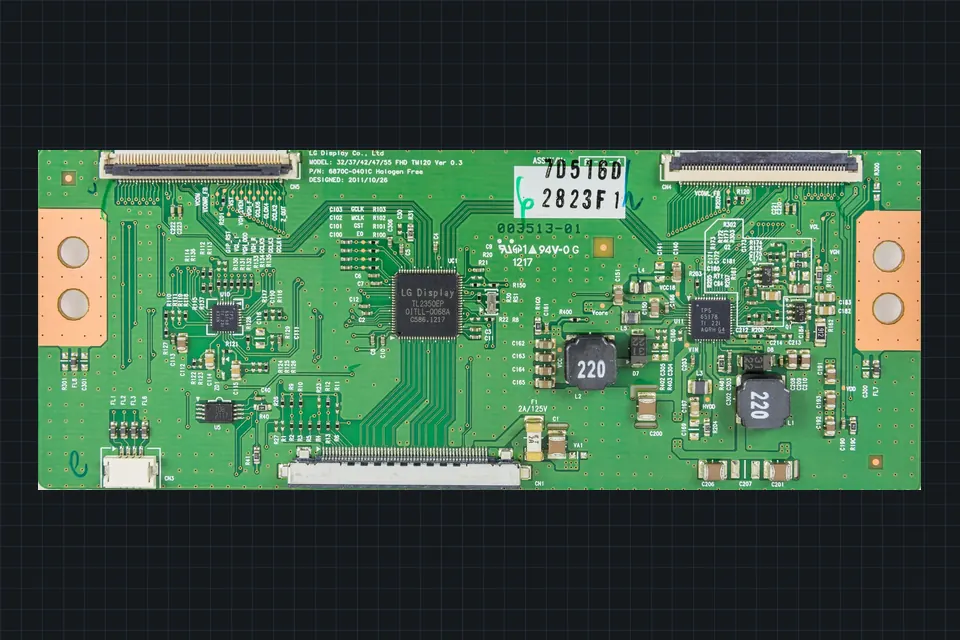
The T-con, or timing controller, is the small board that turns a stream of picture data into the precise sequence of row and column signals the panel needs. It is often blamed, and it is often not the culprit.
What it does
The main board sends the finished picture to the T-con over a wide flat cable using a high-speed serial link: LVDS on many older sets, V-by-One HS or similar on many newer and higher-resolution ones. The T-con decodes this, generates the timing signals and gamma references, and drives the source (column) and gate (row) driver chips bonded to the edges of the glass panel through thin flexible cables.
It also typically produces several of the panel's supply voltages from a single input rail, using small switching regulators on the board. Those regulators are one of the places T-cons fail.
Where it lives, and when it is not a separate board
On many sets the T-con is a separate board near the top or bottom edge of the panel, joined to the panel by one or more ribbon or flex cables and to the main board by the LVDS or V-by-One cable. On others, the T-con circuitry is on the main board, or on a small board bonded permanently to the panel. In those cases there is no separate T-con to replace.
Symptoms that do point to a T-con
- Backlight on, sound working, but a plain white, grey or uniform screen with no image, on every input including the TV's own menu.
- Picture with heavily wrong colours, solarised or negative-looking image, or strong noise across the whole screen.
- Image doubled, or left and right halves out of step, when the board's configuration does not suit the panel.
- Faults that change when you warm or cool the board, or press gently near it (with care, and preferably not with the set powered).
Symptoms that usually do not
- A single vertical line, or a vertical band. These usually come from a column driver on the panel edge or its bonded flex, not from the T-con.
- Horizontal lines. Typically the panel's row drivers or the panel itself. Parts sellers themselves point out that horizontal lines are very rarely fixed by a new T-con.
- Black screen with sound. Usually the backlight. Do the flashlight test.
- Cracks or spreading dark patches. Physical panel damage.
Checks before buying a T-con
- Reseat the cables at both ends with the set unplugged: the main-board-to-T-con cable and, carefully, the T-con-to-panel flex cables. Look for dust, corrosion or a lifted latch.
- Look at the fuse. Many T-cons have a small surface-mount fuse on the input rail. A blown fuse means something on the board, or the panel, drew too much current.
- Measure the input rail on the T-con's supply pins with the set on, if you can do it safely. Many boards label it. No input means the problem is on the main board or power supply side.
- Look for heat damage around the voltage regulators: discolouration, a cracked component, a burnt smell.
- Check the menu. If the TV's own menu shows correctly, the T-con is almost certainly fine.
Matching a replacement T-con
A T-con belongs to the panel, not to the TV model. The same TV model can be built with panels from different makers, and the same panel can be used by several TV brands. So the information you need is:
- The panel model from the label on the panel's metal frame, with its revision. AU Optronics panels, for example, have models such as
T460HW02, and Chi Mei/Innolux panels models such asV260B1-…. - The T-con's own part number from its sticker, and the PCB number. AUO T-cons, for instance, are listed with numbers of the form
55.46T02.C01together with a board code such as06A83-1A. LG Display T-cons are typically6871L-…on the sticker and6870C-…on the board. - The full suffix. T-cons with the same base number and a different final code can differ in firmware or configuration for different panels or TV brands. A sibling number is not a guarantee.
See reading TV board part numbers and finding a compatible board.
Handling the flex cables
The flexible cables between the T-con and the panel edge are bonded to the glass at one end. They are the part of the repair most likely to turn a fixable fault into an unfixable one.
- Open the connector latch fully before sliding the cable out; never pull a latched cable.
- Do not bend the flex sharply, and do not let the T-con board hang by it.
- Keep the panel still while you work. A panel that shifts while the T-con is fixed to the chassis can tear the flex.
- Reinsert squarely and fully, then close the latch. A cable inserted at a slight angle can give missing columns or random noise.
Panel-side adjustments
Some T-cons carry an adjustable voltage (often labelled VCOM) or have configuration stored in an EEPROM that suits a particular panel. Changing these without the right information can make the image worse, not better. If a replacement T-con gives flicker or a washed-out image, the cause is more often a mismatched part than a setting to tweak.
When the T-con is part of the panel
If the timing controller is bonded to the panel or built into the main board, a "T-con fault" means either a main board replacement or a panel replacement. For most consumer TVs a panel replacement is not economical; see repair or replace.
 Board by board
The main board
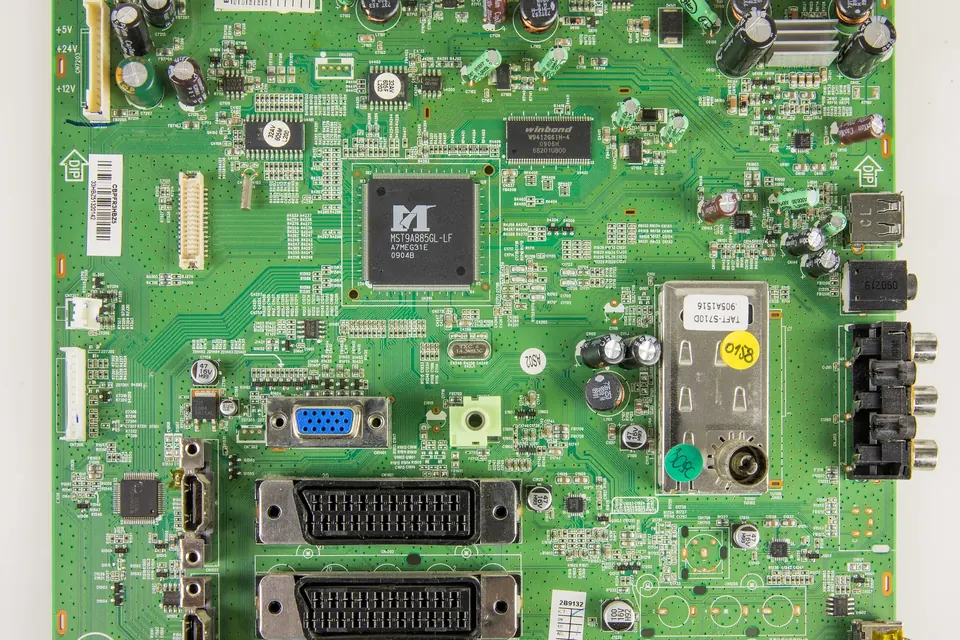
Hardware fault or software fault? HDMI problems, boot loops, firmware recovery and exact version matching.
 Diagnosis
The flashlight test
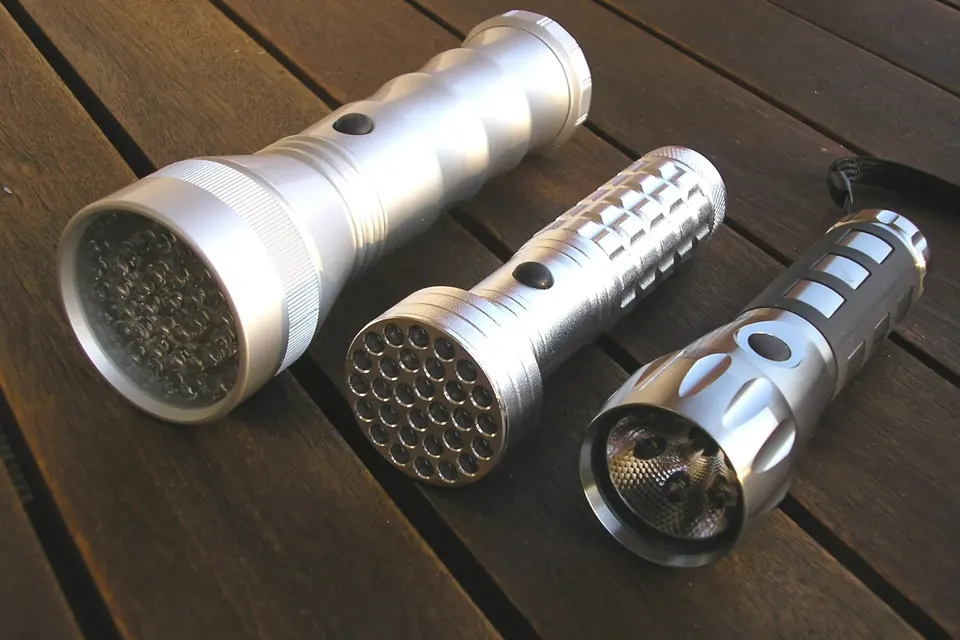
Sound but no picture? Two minutes with a torch tells a dead backlight from a board fault.
 Parts and decisions
Finding a compatible board
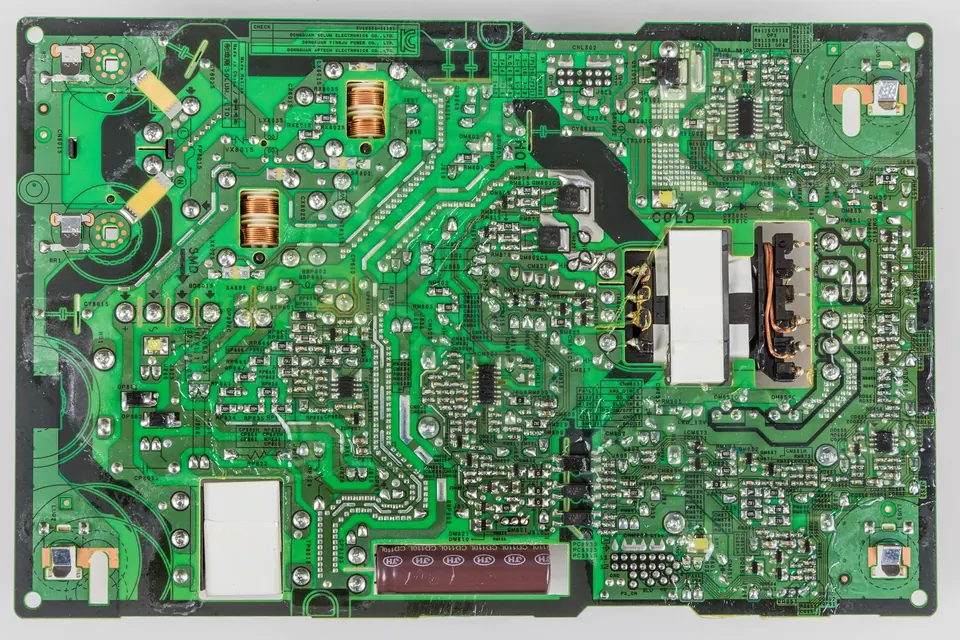
Service number, PCB number, suffixes, panel models and firmware: matching a replacement without guesswork.