Safety and ESD when working inside a flat-panel TV
A flat-panel TV looks harmless with its back off: thin boards, ribbon cables, no glowing tubes. Two things in it deserve respect. The power supply can hurt you, and you can quietly damage the other boards with static.
This guide comes first because every other guide on Board Level assumes you have read it. If at any point a check requires something you are not comfortable doing, stop there: a TV can wait, and a professional can take over from wherever you got to.
The power supply is the dangerous part
Every mains-powered TV has a section where the incoming AC is rectified and stored on one or more large electrolytic capacitors, usually the tallest cans on the power board. Rectified mains peaks at about 1.41 times the RMS voltage, so roughly 170 V DC from a 120 V supply and roughly 325 V DC from 230 V, and many supplies with active power factor correction (PFC) raise this further. Plasma sets add their own high-voltage rails for the sustain circuits.
The key point is that these capacitors can stay charged after the plug has been pulled. A bleed path is often designed in, but you cannot see whether it works on the set in front of you.
Rules that do not change
- Unplug at the wall, not with the remote or the standby button. Standby leaves part of the supply running.
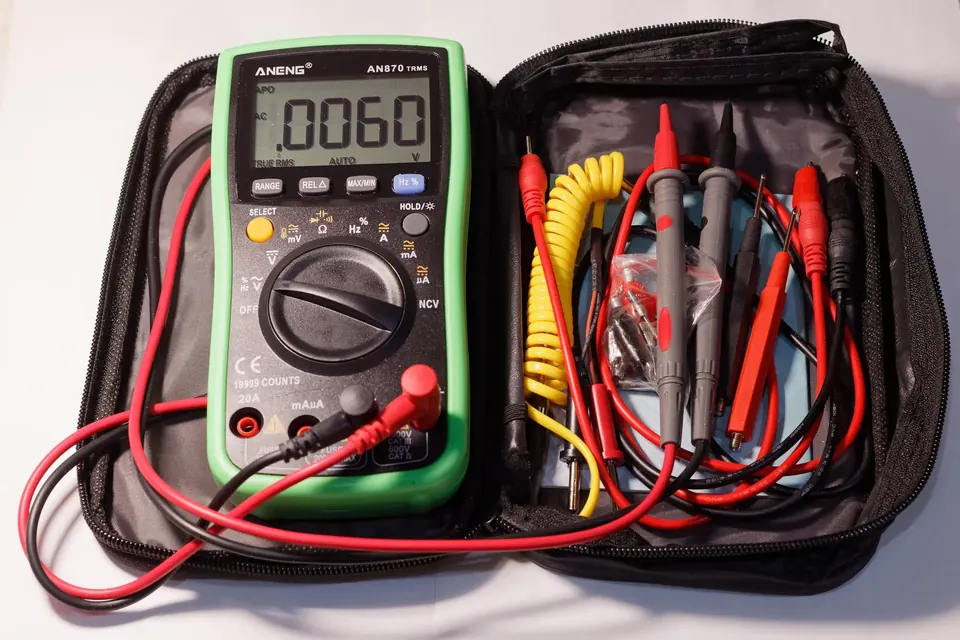
- Wait, then measure. Set a multimeter to DC volts and measure across the main filter capacitor's terminals before touching the power board. Do not assume it has discharged.
- Discharge through a resistor if it has not, using a suitably rated resistor with insulated leads, never a screwdriver across the terminals. A dead short can weld metal, spit molten copper and damage the board.
- Treat the "hot" side as live whenever the set is plugged in. The primary side of a switch-mode supply is not isolated from mains. Many boards mark the boundary with a printed line or a hatched area; keep probes and fingers on the secondary side.
- One hand when you must measure a powered set: keep the other hand away from the chassis so a fault cannot pass current across your chest.
- Never bypass a fuse with wire or a higher rating to "see what happens". A blown fuse means something drew too much current; find out what.
General guidance on electrical hazards at work is published by occupational safety regulators such as OSHA in the United States and the Health and Safety Executive in the UK. Their pages are written for workplaces, but the principles (isolate, prove dead, then work) are the same at a kitchen table.
The glass is the other hazard
An LCD panel is a sandwich of thin glass sheets bonded to a frame. It does not like twisting. Lifting a large panel by one corner, laying it face-down on an uneven surface, or pressing on it while pulling a connector can crack it, and a cracked panel normally ends the repair (see repair or replace).
- Lay the set face-down on a flat, soft, clean surface larger than the screen: a folded blanket on a table works.
- For sets above roughly 50 inches, two people lift. Hold the frame, not the panel edges.
- Plasma panels are heavy glass with a large metal chassis. Never stand them on their bottom edge without support.
- Do not press on the area above the T-con ribbons (the thin flexible strips along the panel's edge, see T-con board). Those flex cables are bonded to the glass and are not replaceable at home.
The same rules apply when a set is carried rather than repaired: a house move cracks more panels than any repair bench. Packing, carrying and transporting a TV upright are covered in moving with a flat-screen TV.
Static: the damage you do not notice
Electrostatic discharge (ESD) is the spark you feel off a door handle, and a much smaller discharge that you do not feel at all can still damage the processors, memory and LVDS or V-by-One line drivers on a main board or T-con board. The damage is not always immediate; a part can be weakened and fail later. This is why boards ship in metallised anti-static bags.
Professional electronics work follows ESD control standards such as ANSI/ESD S20.20, published by the EOS/ESD Association. At home you do not need a certified workstation, but the basics are cheap:
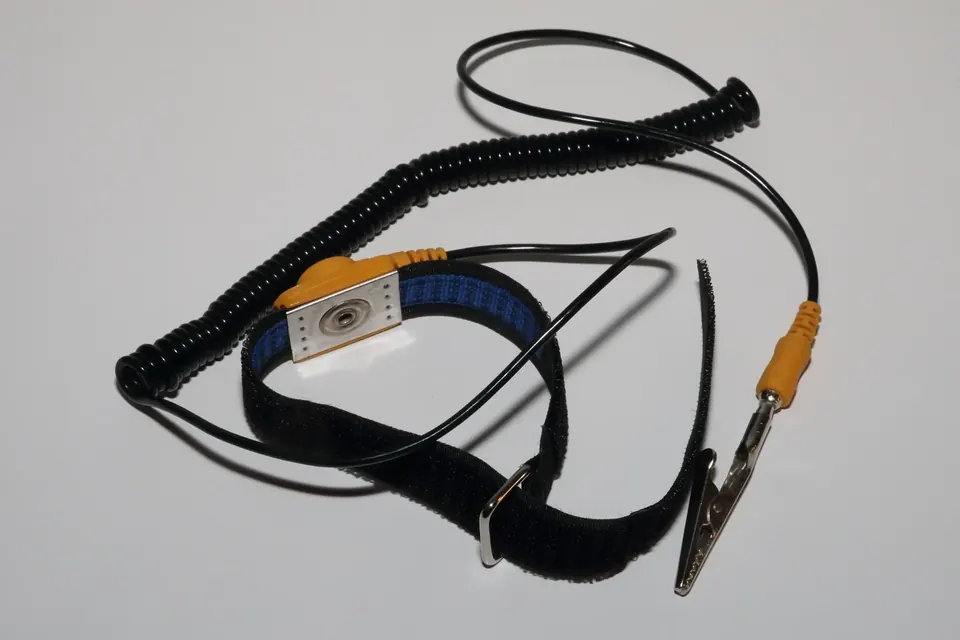
- Wrist strap connected to a known ground point, ideally through the strap's built-in resistor. Clipping it to the TV's metal chassis keeps you at the same potential as the set.
- Keep boards in their bags until you fit them, and put removed boards in a bag rather than on carpet or a plastic surface.
- Handle by the edges, not by components, connectors or the gold contacts.
- Avoid wool and synthetic fleece while working, and avoid working on carpet in dry weather.
Connectors and cables
A surprising number of "new board did not fix it" stories come from damaged connectors. The fine-pitch connectors that carry the picture signal between the main board and the T-con board, and from the T-con to the panel, have latches that lift or slide. Forcing a cable out of a latched connector, or inserting it at an angle, can bend pins or crack the latch.
- Photograph every connector before you unplug anything. Note the orientation of flat cables (which side the contacts face).
- Look for the latch before pulling. Some flip up, some slide out, some are friction-fit.
- Never unplug or plug cables with the set powered. Hot-plugging the panel cable can damage the T-con or main board.
Know when to stop
Board-level diagnosis means finding the faulty board and replacing it, or replacing a clearly failed component such as a bulging capacitor if you have the skills. It does not require you to work on a live primary circuit, and nothing on this site asks you to. If the fault turns out to be inside the power supply's primary side, a board swap or a professional repair is the sensible route.
Next: identifying the boards inside the TV, then matching symptoms to a board.
For the measurements themselves, which to make unplugged and which on the low-voltage side only, see using a multimeter on a flat-panel TV.
 Board by board
The power supply board
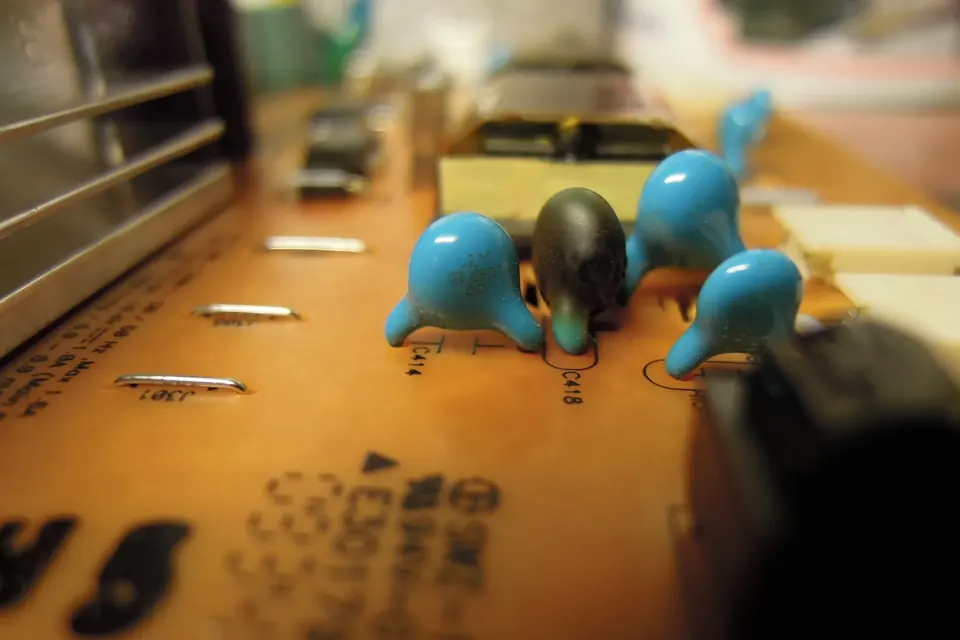
Standby, PFC, main rails and LED driver: the symptoms of a failing supply and the checks you can do safely.
 Board by board
Identifying the boards
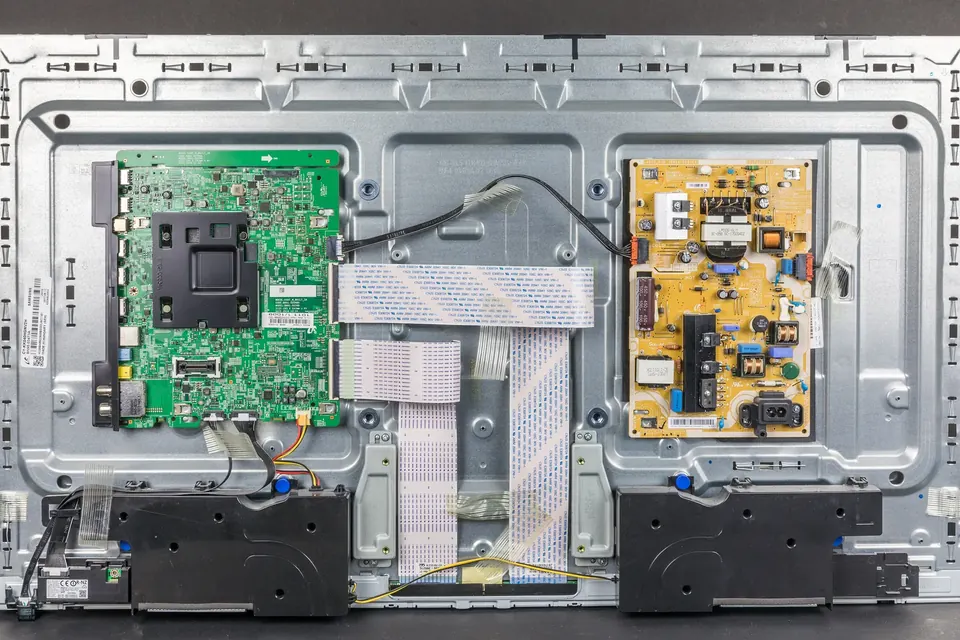
A map of the inside of an LCD, LED or plasma TV, and where each board's numbers are printed.
 Diagnosis
Symptoms and the likely board
Dead set, clicking, blinking standby light, lines, no HDMI: which board each symptom usually points to.