Moving with a flat-screen TV: packing, transport, mounting and the new living room
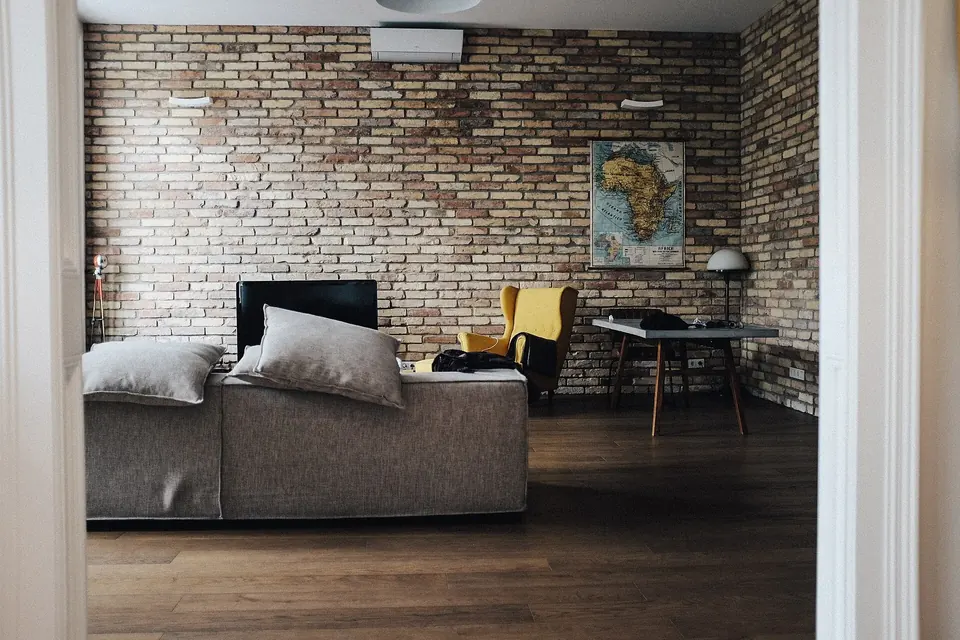
A flat-panel TV is one of the easiest things to break in a move. The panel is a thin sandwich of glass that tolerates its own weight standing up and very little else: a twist while carrying, a knock on a corner, or a night lying flat under a pile of boxes is often enough to crack it, and a cracked panel is almost never worth repairing. A little planning avoids all of that.
This guide covers the move itself, then the two decisions that come with a new home: how to mount the set without losing a rental deposit, and what size of screen the new room really suits.
Before moving day
Start with the room the TV is going into, not the one it is leaving. Measure the wall or the unit it will sit on, note where the sockets and the aerial or cable outlet are, and check which way the windows face, since sunlight on the screen is hard to fix later.
Before you sign for a new place, compare apartments and neighbourhoods side by side, including where the TV and the sofa would actually go in each living room.
- Photograph the back of the set with all cables connected, so you can plug everything back in the same way.
- Write down the model number from the rating label on the back. It tells you the weight, the mounting pattern and the manual you will want later.
- Sign out of apps if you are selling or giving the set away rather than taking it with you.
- Keep the stand screws and the remote in a labelled bag taped to the stand or packed with the TV.
The box: original or substitute
The original carton and its moulded foam corners are designed for the set and are the best protection there is. If you kept them, use them, with the foam pieces in their original positions and the box taped closed on top and bottom.
Without the original box:
- Buy a purpose-made TV moving box sized for the screen, or build a snug box from two large cartons.
- Wrap the screen first in a soft, clean layer such as a moving blanket or foam sheet, then add padding around the frame. Avoid putting bubble wrap or tape directly on the screen surface, where adhesive or pressure marks can be hard to remove.
- Pad all four corners heavily. Corners take the knocks, and a blow to the corner of the frame can crack the glass inside.
- Mark the box clearly with "this way up", "fragile" and "screen side" so nobody lays it flat or stacks things against the screen.
Carrying it
Unplug at the wall, disconnect every cable and remove the stand or wall bracket before you lift. Then:
- Two people for anything but a small set. LG's own handling advice says to carry a TV upright and to use two people for larger sets, because one person lifting a big panel can crack it.
- Hold the frame, top and bottom edges, never the screen surface and never the thin top edge of an OLED or ultra-slim panel on its own.
- Keep it vertical and do not twist it going round corners or down stairs. Plan the route and open the doors first.
- Do not lean it against anything by the screen. If it has to stand briefly, it stands in its box or on its side edge on a blanket, held by a person.
The handling rules for an opened set, especially laying a panel face-down safely, are the same as in our guide to working safely inside a TV.
In the van or car: upright, always
Manufacturers are consistent on this. LG's support guidance says to transport a TV upright and secured against tipping, and never to transport it lying down, because the packaging is not designed to support it that way and the panel may crack. That applies with extra force to OLED sets, whose panels are very thin.
- Stand the boxed TV upright against a solid surface, such as the wall of the van or a mattress loaded against it, with the screen facing that surface rather than the load.
- Strap it so it cannot tip, without pulling the straps so tight that they crush the box.
- Do not stack anything on top of it or lean anything against the screen side.
- In a car, a small set can travel upright on the back seat, belted in; a large one usually does not fit safely, so borrow or rent something bigger.
Cold, heat and condensation
Electronics do not like temperature extremes or sudden changes. Manuals give storage and operating ranges; one manufacturer's manual for a recent LED model, for example, gives an operating range of 5 to 35 °C and a storage range of −15 to 45 °C, but ranges differ between models, so check yours.
The more common problem is condensation. Bring a TV from a cold van into a warm room and moisture can form on the screen and on parts inside. TV manuals warn about exactly this and say to let the condensation evaporate before switching the set on. In practice, leave it in its box in the new room for a few hours (longer after a very cold journey) so it warms up slowly, then unpack it and check that the screen and vents are dry before plugging it in.
Professional movers and liability
If movers are carrying the TV, ask how they pack and transport flat screens and whether they supply TV boxes. Check what you are covered for, too. For interstate moves in the United States, federal rules set two levels of mover liability: full value protection, and a cheaper "released value" option under which the mover is liable for no more than 60 cents per pound per article. As the federal "Your Rights and Responsibilities When You Move" text explains, choosing released value requires your signature, and at that rate a light modern TV is covered for very little. Check your home or contents insurance as well. Elsewhere, read the remover's terms and ask what their insurance covers.
When the TV arrives, unpack it and inspect it straight away, before signing to say everything arrived in good condition, and photograph any damage to the box or the set.
First power-on in the new home
- Fit the stand or the bracket first, with the screws that came with it.
- Reconnect cables using your photo. Connect the aerial or cable feed and HDMI devices before mains power.
- Switch on and run a channel scan if you use broadcast TV; channel lists differ between areas.
- Look at a plain white and a plain dark image. Lines, a dark patch or a spider-web pattern that was not there before the move suggest the panel was damaged in transit.
A set that powers on with sound but no picture after a move may have a loosened cable or a backlight fault rather than a broken panel. If the panel itself is cracked, our page on whether a TV is worth repairing explains why replacement is usually the answer.
Wall mounting in a rental
Whether you may drill into the walls depends on the lease and the landlord, not on the TV. Ask before you drill and get the answer in writing, including any conditions, such as filling and repainting the holes when you leave. Holes, cracked plaster or a bracket torn out of the wall can be deducted from a deposit as damage beyond normal wear and tear. In England, deposits on most assured shorthold tenancies are held in a government-approved protection scheme with a free dispute service, which is another reason to agree things in writing and photograph the wall before and after.
Choosing a bracket
- Mounting pattern: most TVs follow the VESA mounting interface, a square or rectangular pattern of threaded holes on the back given in millimetres (for example 200 × 200 or 400 × 400). The TV manual lists the pattern and the screw size and maximum screw length; screws that are too long can damage the set.
- Weight and wall type: the bracket must be rated for the TV, and the fixings must suit the wall. Solid masonry, timber studs and plasterboard need different fixings; heavy sets on plasterboard should be fixed into studs or with fixings rated for the load. If you are not sure what the wall is made of, ask the landlord or a handyperson.
- Cables: in a rental, surface cable covers are usually acceptable where channelling cables into the wall is not.
If you cannot drill
A low, sturdy TV unit or a floor-standing TV stand avoids holes entirely. Whatever it stands on, secure the TV against tipping: tip-overs of TVs and furniture injure thousands of people a year, mostly children, and the U.S. Consumer Product Safety Commission's Anchor It! campaign recommends anchoring TVs and the furniture they stand on, or at least placing TVs on a low, sturdy base and pushing them well back. An anti-tip strap usually needs only one small fixing, which landlords are far more likely to accept than a full bracket.
Choosing the size for the new living room
A move is often when people decide the old TV is too small, or find that the new room is smaller than the old one. Two things matter: how far away you sit, and the screen's resolution.
The International Telecommunication Union's broadcasting recommendations have long expressed viewing distance as a multiple of the picture height (H). Its former recommendation on viewing conditions for flat panels, ITU-R BT.2022 (since withdrawn), gave a "design" distance of about 3.2 H for 1080-line HD and about 1.6 H for 3840 × 2160 (4K) pictures: roughly the distance at which, for normal eyesight, the pixel structure stops being visible. Closer than that you start to see pixels; further away, extra resolution makes less difference.
For a 16:9 screen, the picture height is about 0.49 times the diagonal. That gives these approximate distances:
| Screen (diagonal) | Picture height | 4K at 1.6 H | 1080p at 3.2 H |
|---|---|---|---|
| 43 in | 54 cm | 0.9 m | 1.7 m |
| 50 in | 62 cm | 1.0 m | 2.0 m |
| 55 in | 68 cm | 1.1 m | 2.2 m |
| 65 in | 81 cm | 1.3 m | 2.6 m |
| 75 in | 93 cm | 1.5 m | 3.0 m |
Treat these as the closest sensible seat rather than a target: many people sit further back and are perfectly happy. In practice:
- Measure from where your eyes will be, seated on the sofa, to where the screen will be.
- Mock it up: tape a rectangle of paper or cardboard the size of the screen on the wall or the unit and live with it for a day.
- Height matters: the centre of the screen at roughly seated eye height is more comfortable than a TV mounted high above a fireplace.
- Check the unit and the doors: the stand's feet must fit on the furniture, and the boxed set must fit through the doorway and up the stairs.
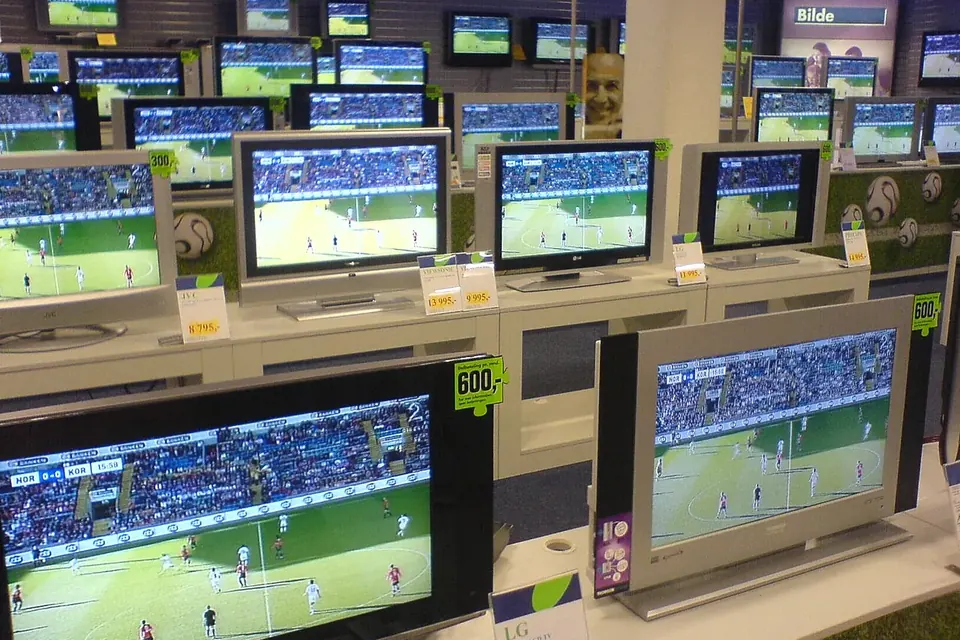
If the move leaves you with a spare set, or you are buying one for the new room secondhand, the checks are different from a new purchase; the essentials are to see it working, look closely at the panel and confirm the model before you pay.
Sources
- LG Electronics Australia, Safety Reminders on How to Handle TV Properly to Prevent Damage on the Box and Screen, LG support knowledge base.
- TCL, RS530 Series user manual (condensation warning; operating and storage conditions).
- U.S. Code of Federal Regulations, 49 CFR Part 375, Appendix A, Your Rights and Responsibilities When You Move (Federal Motor Carrier Safety Administration).
- U.S. Consumer Product Safety Commission, Anchor It! campaign and tip-over injury reports.
- International Telecommunication Union, Recommendation ITU-R BT.2022, General viewing conditions for subjective assessment of quality of SDTV and HDTV television pictures on flat panel displays (2012, withdrawn 2020).
- Video Electronics Standards Association (VESA), Flat Display Mounting Interface standard.
- UK Government, Tenancy deposit protection, gov.uk.
 Parts and decisions
Buying a used TV
Identify the model, run test images, check every input, and know what you can and cannot fix later.
 Parts and decisions
Repair or replace?
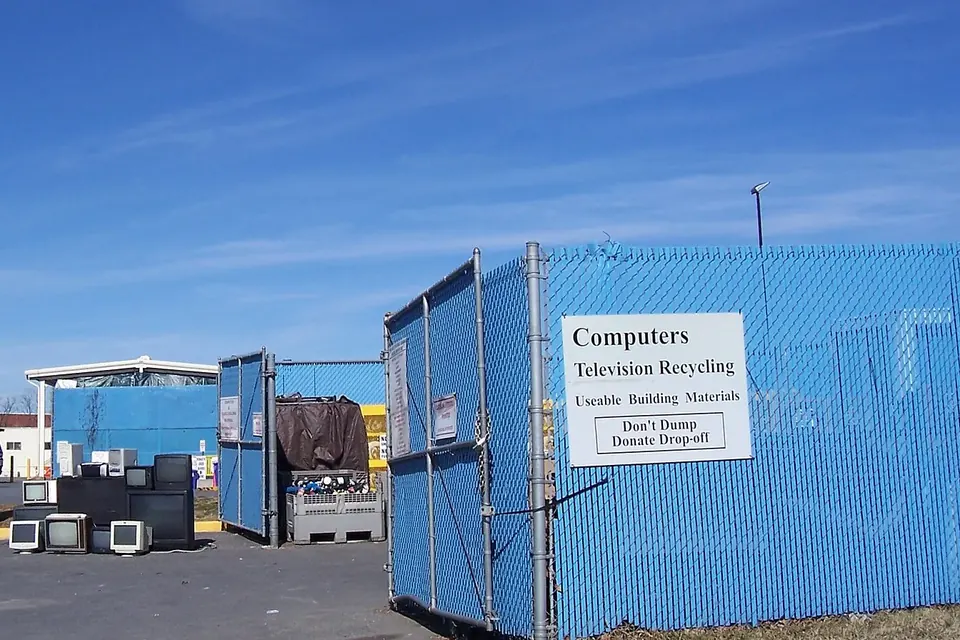
Which faults are worth fixing, why a cracked panel usually ends it, and how to dispose of a TV responsibly.
 Diagnosis
Safety and ESD
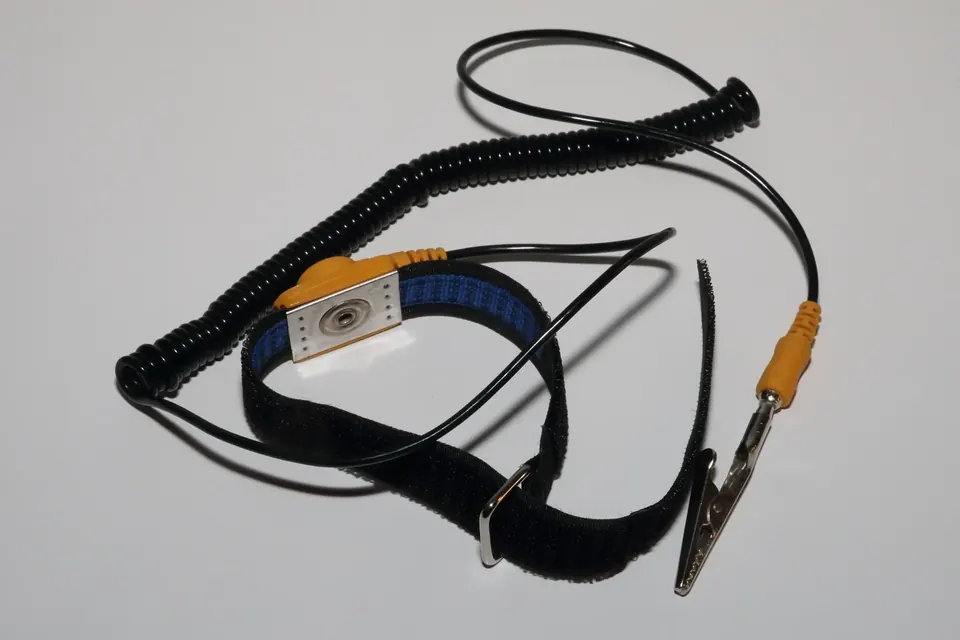
Stored charge, live tests, glass panels and static: how to work inside a TV without hurting yourself or the boards.