Finding a compatible replacement TV board
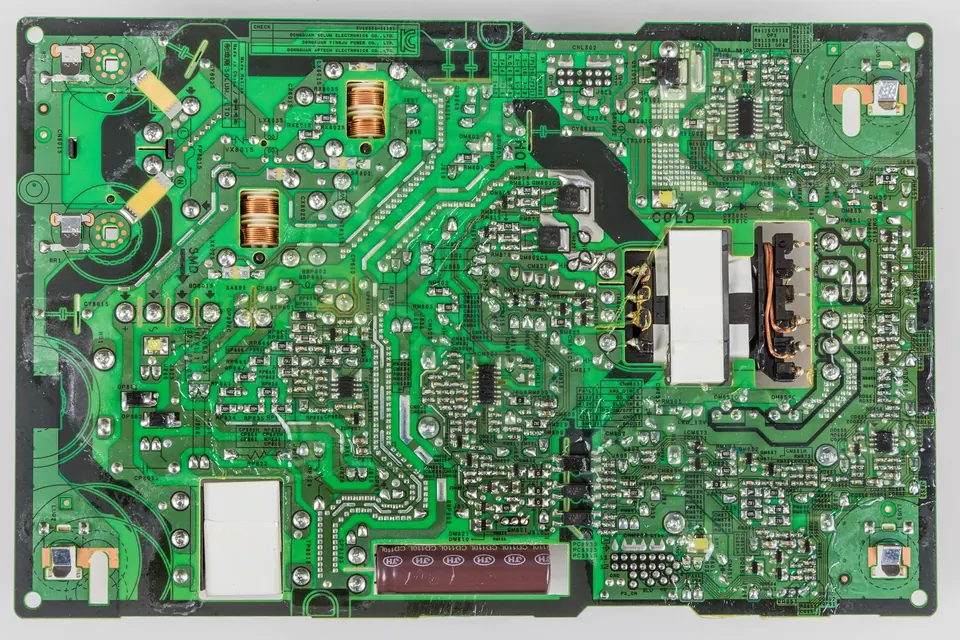
The right replacement board is the one with the same assembled part number, for the same TV model and version. Everything else is a compromise. This guide explains how to find that number and what to do when you cannot get an exact match.
Step 1: collect every number
- TV rating label: full model number with suffix, version or revision code, serial number. Photograph it.
- Old board sticker: the assembled part number, including the last letter or digits. Photograph it in focus.
- Old board PCB number: printed on the board itself.
- Panel label (for a T-con or plasma board): the panel model and revision on the panel's frame.
- Software version from the TV's menu, if it still starts.
Reading TV board part numbers explains which number is which for Samsung, LG, Sony, Panasonic and others.
Step 2: search the right number
Search for the sticker part number first, written exactly. Brand formats matter: hyphens in Samsung numbers (BN44-00289B), hyphens in Sony numbers (1-474-163-51, A-1727-314-A), slashes in Panasonic numbers (TXN/A1…). Online listings often drop or replace these characters, so also search the number without them.
If the sticker is missing, search the PCB number together with your TV model. Expect several different assembled parts to come up, and use the TV model and version to narrow down.
Service number versus PCB number
| Service / assembly number | PCB number | |
|---|---|---|
| Identifies | The finished board as supplied for service | The bare circuit board design |
| Includes components and firmware? | Yes | No: several assemblies can share one PCB |
| Matching on it alone | Normally reliable for the same TV model and version | Risky: may differ in parts, connectors or software |
Step 3: check the version and suffix
Final letters and digits are not decoration. Within one family of numbers:
- A later suffix may be the manufacturer's updated replacement for an earlier one, and fully compatible.
- Or it may be for a different panel, a different region or a different model in the range.
The manufacturer's own parts service is the authority on which numbers supersede which. A seller's "compatible with" list is useful, but it is the seller's claim, not the manufacturer's.
Board-specific points
Power supplies
Same connectors and same printed voltages are not proof of compatibility. Backlight drive current, standby behaviour and the control pins can differ. See power supply boards.
Main boards
The most sensitive match. Main boards carry software and panel settings for particular models. A main board from a "same model, different version" set can start but show the wrong picture, or not start at all. After fitting, check the model shown in the TV's information menu and update the firmware. See main boards.
T-con boards
Match to the panel model and the T-con's own number, not to the TV model. See T-con boards.
Plasma boards
Match to the panel. Some boards are best replaced as a set (a Y-sustain with its buffers, for example), and replacement boards may need their voltages set to the panel's label. See plasma TV boards.
LED strips
Match the strip's own printed number and the panel model, and note the position of each strip type. See LED backlight strips.
Judging a listing
- Photos of the actual board, with the sticker legible, are worth more than a stock photo.
- New, used or refurbished? A used board from a donor set may have the same age and wear as the one that failed. A refurbished board should say what was replaced.
- Tested how? "Tested working" means little without knowing in which set.
- Return terms matter more than usual, because the most common problem is a board that is not a match.
- Watch for counterfeit or rebadged parts on low-priced new boards for older models.
Fitting the new board
- Follow the safety and ESD steps. Keep the new board in its bag until it goes in.
- Compare old and new side by side before fitting: connectors, jumpers, any small switches and, on plasma boards, adjustment potentiometers.
- Transfer any parts that belong to the set rather than the board, such as shields or insulating sheets.
- Reconnect cables using your photographs, latching each one fully.
- First power-up with the back still off, watching and listening for anything unusual.
If the new board does not fix it
Do not assume the new board is faulty. Check that the diagnosis was right (did the old board really fail?), that every connector is seated and latched, and that the new board is a true match. A board that fixes some symptoms but not others often points to a second fault, or to a different board that was the cause all along.
 Parts and decisions
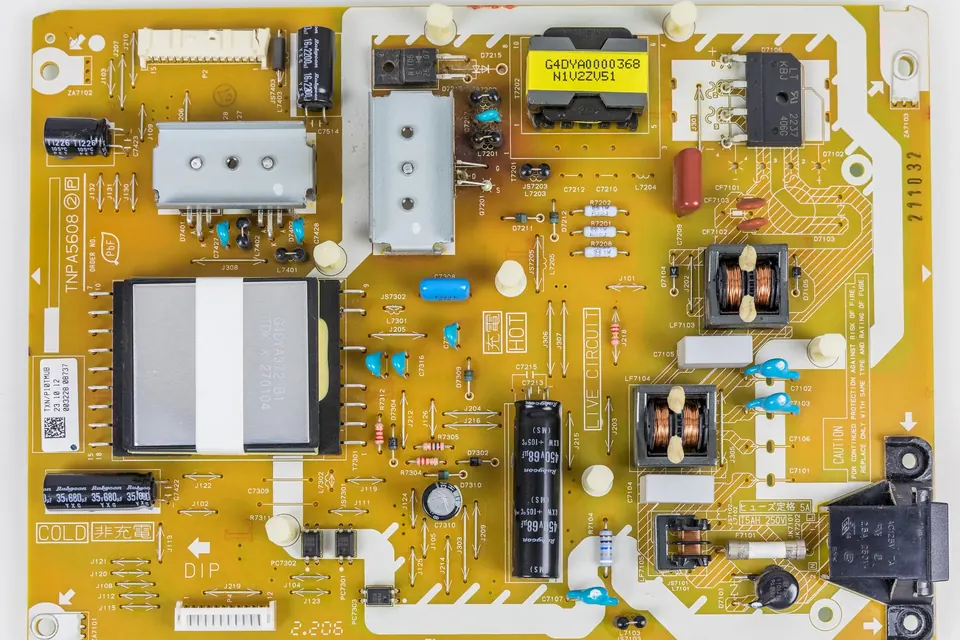
Reading part numbers
Sticker number versus PCB number, brand conventions, and why a prefix is a hint rather than a guarantee.
 Parts and decisions
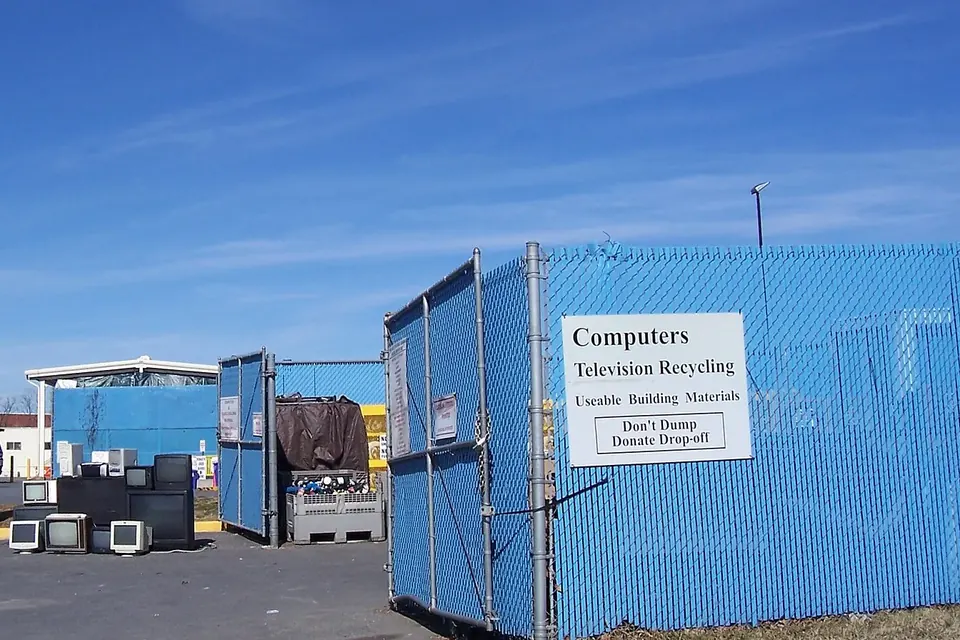
Repair or replace?
Which faults are worth fixing, why a cracked panel usually ends it, and how to dispose of a TV responsibly.
 Board by board
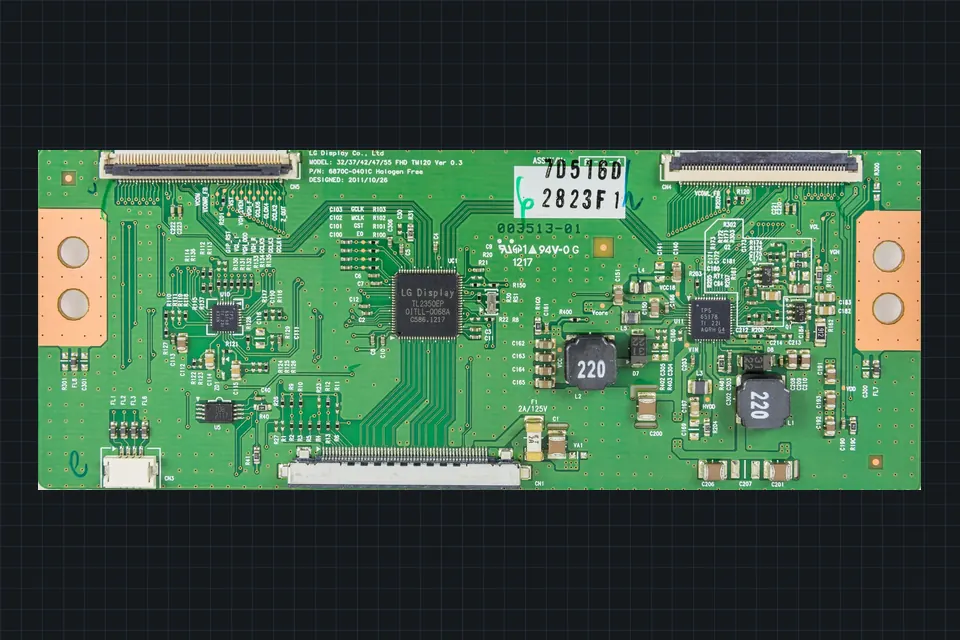
The T-con board
What the timing controller does, which symptoms really point to it, and why it is matched to the panel.