TV turning itself on or off: settings, HDMI-CEC, stuck buttons and failing boards
A TV that switches itself on in the middle of the night, or goes dark halfway through a film, is usually obeying an instruction rather than failing. The trick is to tell the two apart before anyone opens the back: a command from a timer or another device looks orderly, a hardware fault does not.
Orderly or abrupt: the first question
| What you see | What it usually means | Where to look |
|---|---|---|
| Set switches off cleanly at the same time of day, or after a fixed period | A sleep, off or eco timer | The TV's timer and power-saving menus |
| Set switches off cleanly when nobody has touched the remote for a while | Auto power-off for inactivity or for "no signal" | Eco or energy settings |
| Set comes on when a console, decoder, soundbar or streaming stick wakes up | An HDMI-CEC power command | The CEC setting on the TV and on each device |
| Set comes on at night with no picture, or briefly lights up and goes back to standby | A scheduled update or a network wake-up | Software update and network standby settings |
| Set changes input, volume or turns off a few seconds after starting | A stuck or contaminated front button | The button board |
| Picture and sound cut out suddenly, sometimes with a click; set may restart | Protection shutdown or a supply rail dropping out | Power supply board, then main board |
Timers and power-saving settings
Every current TV has several ways of switching itself off on purpose, and they are spread across different menus. Check all of them before suspecting a fault:
- Sleep timer: switches the set off after a set number of minutes. It is often reset when the TV is switched off, but not on every model.
- On and off timers: a clock-based schedule, sometimes tied to a channel.
- Auto power-off for inactivity: many sets turn off after a few hours without a button press, as an energy-saving measure. Long films and background viewing can trigger it, usually after an on-screen warning that is easy to miss from across the room.
- No-signal off: the set goes to standby when the selected input has had no signal for a while. A decoder that drops its HDMI output when it goes into its own standby will take the TV with it.
The names differ between makers and between model years; the TV's manual, or the support page for your model, lists what yours has. If the problem stops after a timer is disabled, there is nothing to repair.
HDMI-CEC: other devices switching the TV
HDMI includes a control channel, Consumer Electronics Control, through which connected devices can send each other commands such as standby, power on and input selection. Manufacturers give it their own trade names, for example Anynet+ on Samsung sets, SimpLink on LG and Bravia Sync on Sony (Consumer Electronics Control). It is what lets one remote run the whole cabinet, and a frequent reason for a TV that turns on "by itself".
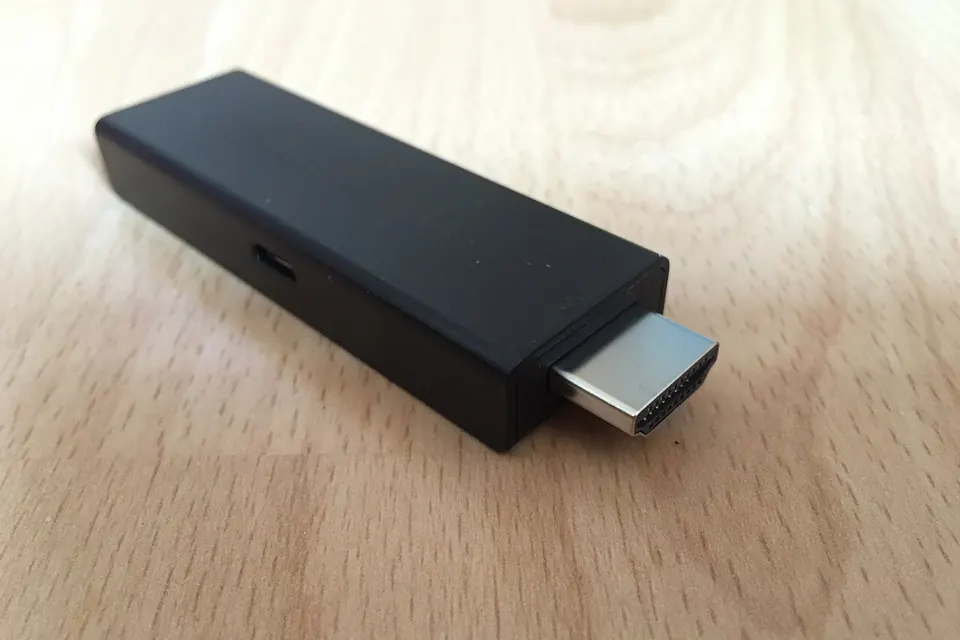
- A games console, streaming stick or decoder that wakes for an update can send a power-on command and switch the input to itself.
- A soundbar or receiver on the HDMI ARC or eARC port can switch the TV off when it is turned off, or on when it detects audio.
- Switching one device off can put every other device on the chain into standby, including the TV.
To test, disconnect every HDMI cable for a day or two, or turn CEC off in the TV's menu. If the behaviour stops, reconnect devices one at a time to find the one responsible and switch CEC off on that device alone, so you keep the convenience for the others. Streaming sticks powered from the TV's USB port add a twist: they lose power when the TV goes to standby and reboot each time it comes back, so a stick that misbehaves on start-up shows its fault just after the TV is switched on. Powering it from its own adapter is a quick way to rule it out.
Updates, network standby and phone apps
Smart TVs install software updates and refresh their app stores, often while in standby. Some do it with the panel dark, others light the screen briefly. A set with a "network standby", "wake on LAN" or "quick start" option can also be woken by a phone app or a voice assistant on the same network, sometimes by someone else in the household. Turning those options off for a test, or temporarily disconnecting the TV from the network, separates them from a fault.
If the set restarts during or just after an update and keeps restarting, that is a different problem: a failed update or a corrupted firmware image, covered in our guide to the main board.
A stuck button or a bad button board
The small board carrying the power button, and on many sets the IR receiver and standby LED, is a classic cause of a TV that switches off a few seconds after being turned on, cycles through inputs or turns the volume down. Many sets read several buttons through a single wire, each button giving a different voltage, so moisture, dust or a worn switch can look like a button held down.
The test is the same one we describe for a TV that ignores its remote: unplug the set, disconnect the button board's cable at the main board (keeping the IR receiver connected if it shares the board), and run the set from the remote for a day. If the problem disappears, clean or replace the small board.
Real shutdowns: power supply and protection
When the picture and sound cut out abruptly, the set is usually not choosing to turn off. Either a supply rail has dropped out, or the main board has detected a fault and forced the set into standby to protect itself. Clues that point to the hardware:
- It happens after the set has been on for a while, or more often in a warm room: a typical sign of ageing electrolytic capacitors that lose capacity as they heat up.
- A click from the back, followed by an immediate restart attempt, sometimes several in a row.
- A blinking standby light after the shutdown. The pattern is a fault report; its meaning is specific to the manufacturer and model, so look it up for your set.
- It happens on bright scenes or when the volume is turned up, both of which draw more power.
Our guide to the power supply board covers the visual checks for swollen capacitors and the safe way to measure the output rails. Read safety and ESD first: the primary side of the supply holds a dangerous charge after the plug is pulled.
One trap is worth knowing. On many LED sets, the backlight driver monitors the LED strips and shuts the set down when it detects a failed string. The power supply is then healthy but the set behaves as if it were not, and the flashlight test or the strips themselves tell the real story. The symptom table lists the other faults that imitate a bad supply.
When the main board is the suspect
If the supply rails stay steady right up to the moment of shutdown, the main board is the next candidate: its standby processor decides when the set turns on and off, and it can shut the set down because of a firmware fault, an overheating component, or a sensor reporting nonsense. Try a factory reset and the latest firmware for your model before buying anything, and check that the vents at the back are not blocked by a wall, a cabinet or dust.
A sensible order of work
- Write down when it happens and what the set does just before and after.
- Check every timer, eco and auto power-off setting.
- Disconnect all HDMI devices or switch CEC off, and take the set off the network, for a test period.
- Plug the TV directly into a wall socket, without an extension strip or timer switch.
- Isolate the button board.
- Only then open the set, starting with the power supply.
Those that reach step 6 become ordinary board diagnosis.
Sources
- Wikipedia, Consumer Electronics Control: what CEC does and the manufacturers' trade names for it.
- TV manufacturers' user manuals, for the names and locations of the timer, eco, CEC and network standby settings on each model.
 Board by board
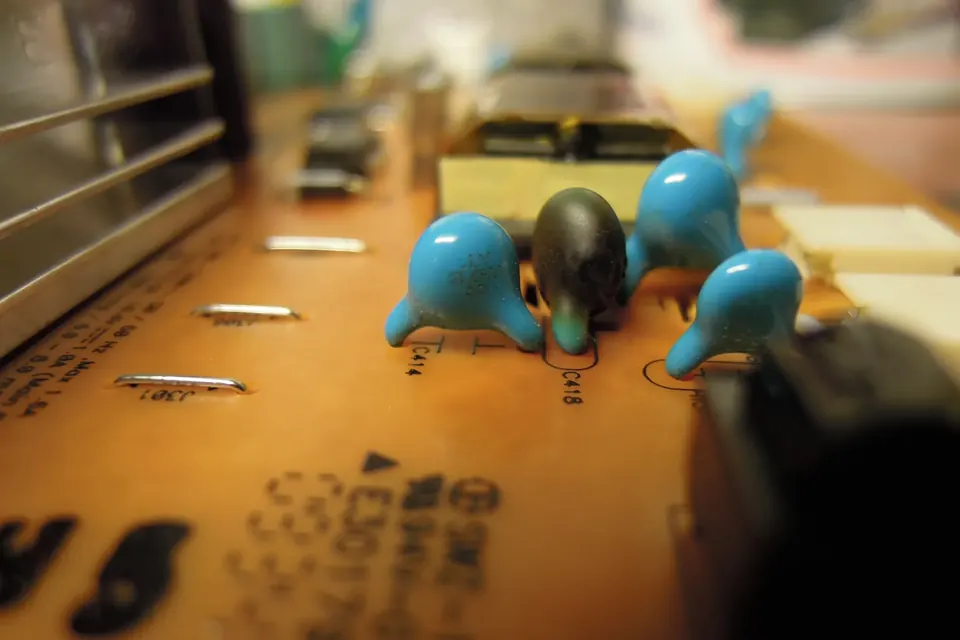
The power supply board
Standby, PFC, main rails and LED driver: the symptoms of a failing supply and the checks you can do safely.
 Board by board
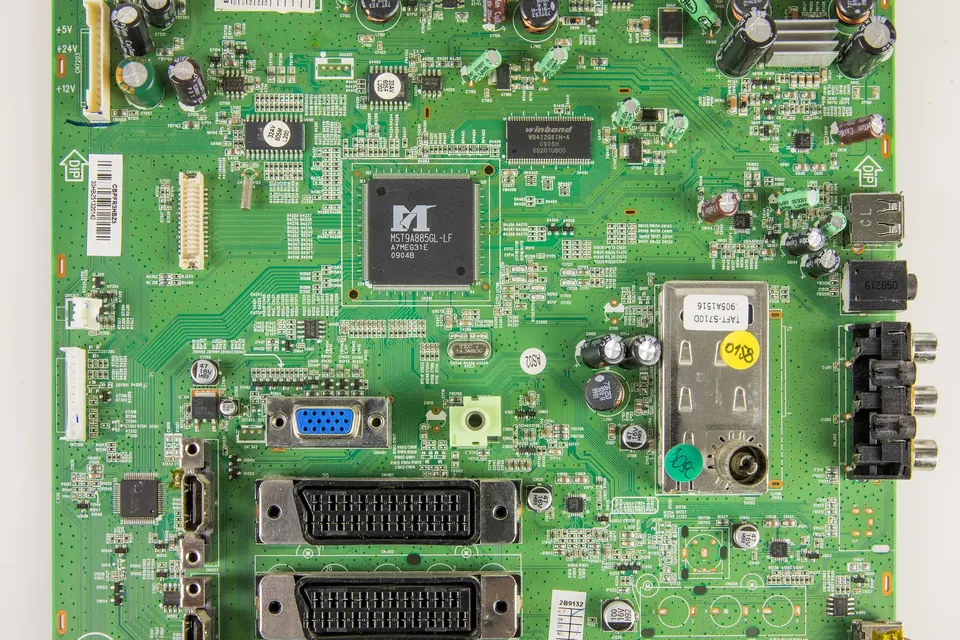
The main board
Hardware fault or software fault? HDMI problems, boot loops, firmware recovery and exact version matching.
 Diagnosis
TV ignores the remote
Phone-camera test first, then the remote's keypad, the IR receiver board and the front buttons, before blaming the main board.