TV not responding to the remote: testing the remote, the IR receiver board and the buttons
A TV that ignores its remote looks like a serious fault and is very often a trivial one. The order of the checks matters: most of them need no tools, and the ones that do involve only the low-voltage side of the set.
Step 1: is the remote sending anything?
Infrared from a remote is invisible to the eye but not to most digital camera sensors. Open the camera on a phone, point the remote at the lens and press a button. A working remote shows a flickering light at its tip on the screen.
- No light: the problem is the remote. Some phones filter infrared on the main camera; if you see nothing, try the front (selfie) camera, or test another remote that you know works to be sure the camera can see it.
- Light on every button: the remote is transmitting. Go to step 3.
- Light on some buttons only: worn or dirty contacts under those keys. See step 2.
The light only proves that the LED is pulsing, not that the code is right. A remote for a different model, or a universal remote set to the wrong code, will light up just as well.
Step 2: fixing the remote itself
- Batteries. Fit fresh ones, in the right orientation. A weak pair can still light the LED for the camera but give too little range for the TV.
- Battery contacts. White or green crust on the springs is corrosion from a leaking battery. Clean it off with a cotton bud and a little isopropyl alcohol, and let it dry.
- Keypad. Under the rubber keys, each button has a conductive carbon pad that presses on a pair of contacts on the circuit board. Spills and years of use leave a film that stops some buttons working. Remove the screws (some remotes are only clipped together), lift the rubber mat, and wipe both the pads and the board contacts with isopropyl alcohol. Reassemble when dry.
- Dropped remotes. A remote that rattles may have a cracked crystal or a broken solder joint; at that point a replacement remote is usually the sensible fix.
Step 3: separate the remote from the TV
If the remote transmits, find out whether the TV can be controlled at all.
- Front or side buttons. Most sets have a small row of buttons or a single joystick button underneath or at the back. If they work and the remote does not, the TV's processor is alive and listening; suspect the receiver.
- Another remote. A second original remote, or a universal remote set up for your brand, tells you whether the original is sending the wrong codes.
- The standby light. On many TVs the standby or power LED flickers briefly whenever the set receives a remote command. If it flickers when you press a button, the receiver is working and the problem is further along.
- A phone app. Many smart TVs can be controlled over the home network by the manufacturer's app. If the app works and the remote does not, the main board and software are fine.
Step 4: rule out interference and settings
Remote codes are sent as bursts of infrared switched on and off at a fixed carrier frequency, typically between about 33 and 40 kHz, and the receiver is tuned to it (Consumer IR). Strong infrared from another source can swamp it.
- Close the curtains, or try at night. Direct sunlight on the front of the TV is a classic cause of a remote that works "only sometimes".
- Switch off nearby lamps one at a time, including any infrared lighting such as a security camera's night-vision LEDs pointed at the room.
- Check nothing is in front of the receiver window: a soundbar, a decoration, a sticker, or the plastic film left on a new set.
- Look in the TV's menus for a "key lock", "child lock" or "hotel" setting. On some sets these disable the front buttons or the remote. The manual says what yours has.
- Unplug the TV from the wall for a few minutes. That clears states that a remote-control standby does not, as described in our guide to the main board.
Step 5: the IR receiver board
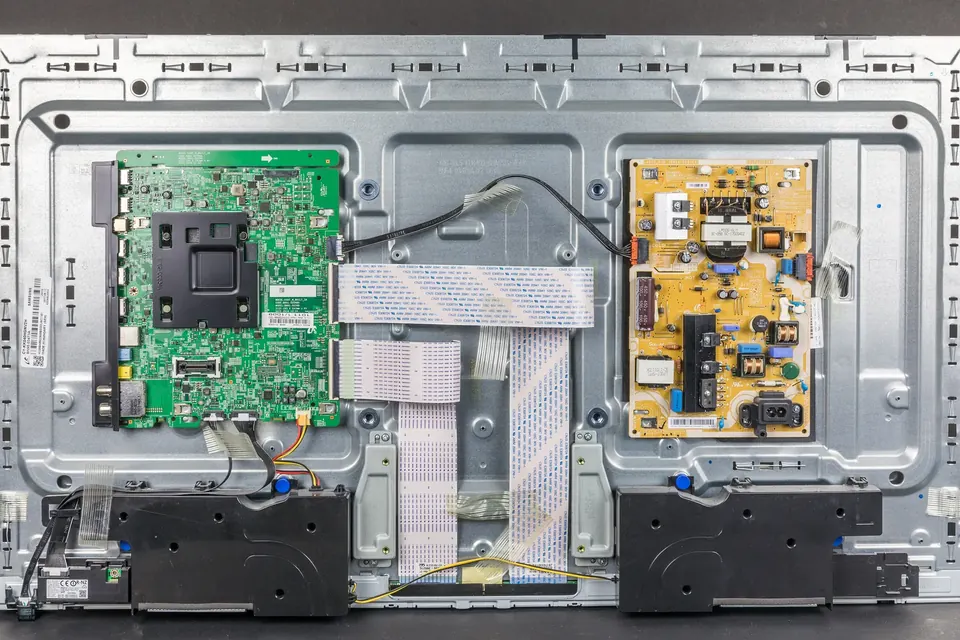
If the remote works and the TV still ignores it, the next suspect is the small board behind the receiver window. On many sets it also carries the standby LED and sometimes the power button or a light sensor, and it is joined to the main board by a thin cable. Identifying the boards shows where these small boards sit.
The receiver itself is usually a single component with a dark, rounded window: a photodiode, an amplifier and a demodulator in one package, with three connections. Those are typically:
| Connection | What it is | What a healthy one shows |
|---|---|---|
| Supply | A low-voltage rail from the main board's standby supply | A steady few volts (often around 3.3 V or 5 V) whenever the set is plugged in |
| Ground | Common return | 0 V reference |
| Output | The decoded signal sent to the main board | On the usual type, sits close to the supply voltage at rest, and dips while it receives |
With the set unplugged, open the back (read safety and ESD first) and look at the receiver board and its cable: a connector half out after a move, a pinched wire, or corrosion from a drink spilled on the front of the set. Reseat the cable at both ends.
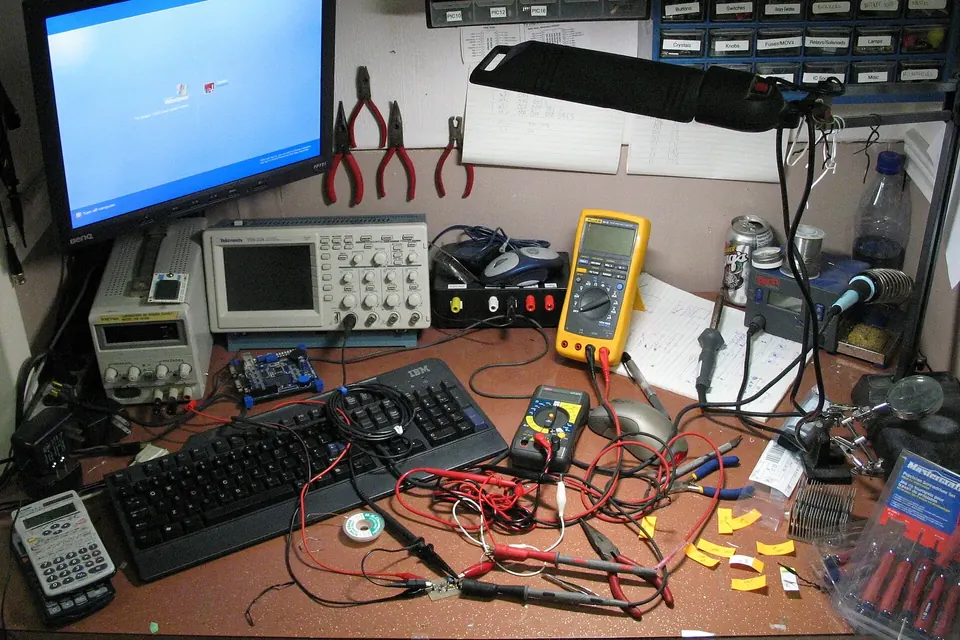
Then, with the set plugged in and in standby, and your probes on this low-voltage board only, measure between ground and the other two pins. Our multimeter basics guide covers clipping leads on safely before power is applied.
- No supply voltage: the fault is upstream, in the cable, the main board's standby circuitry or the standby supply. A new receiver will not help.
- Supply present, output does not move when you press buttons: a meter is too slow to show each pulse, but on the usual type the reading dips or wavers while a button is held. A rock-steady output with a known-good remote points to a failed receiver.
- Output wavers, TV still ignores it: the receiver works and the signal reaches the cable. The main board is the suspect.
Receivers are cheap, but they are not all alike. Replacements must match the original's carrier frequency, pin order and supply voltage, and the pin order differs between makers. The safest route is the complete small board, matched by the part number on its sticker; see our guide to finding a compatible board. If you do replace only the component, note which pin is which before removing it.
Step 6: a stuck front button
A failing button board can cause strange behaviour that looks like a remote fault: the set ignores the remote, cycles through inputs, turns the volume down by itself, or switches off a few seconds after switching on. On many TVs, several front buttons share one wire to the main board, each producing a different voltage through a resistor, so one sticky or contaminated button can look like a constant key press.
To test, unplug the set, disconnect the button board's cable from the main board (leaving the IR receiver connected if it shares the same board, which it sometimes does), and try the remote again. If the TV now behaves, the buttons are the problem: clean around the switches, or replace the small board.
When it is the main board
If the receiver has power, its output responds, the front buttons are not to blame and the problem survives a power reset, the main board's standby processor or its firmware is the remaining suspect. A firmware update or factory reset, where the set still lets you reach the menus with its own buttons, is worth trying before buying a board. After that, it becomes a repair-or-replace question, though for an otherwise healthy TV, living with a universal remote or a phone app is a reasonable third option.
Sources
- Wikipedia, Consumer IR: carrier frequencies, wavelengths and the integrated receiver-demodulator.
- Manufacturers' datasheets for integrated IR receiver modules (Vishay and Sharp, among others), for pin functions and output behaviour.
 Board by board
Identifying the boards
A map of the inside of an LCD, LED or plasma TV, and where each board's numbers are printed.
 Diagnosis
Multimeter basics for TVs
Meter and probes, discharge checks, fuses and diodes, standby and main rails, and what not to measure.
 Board by board
The main board
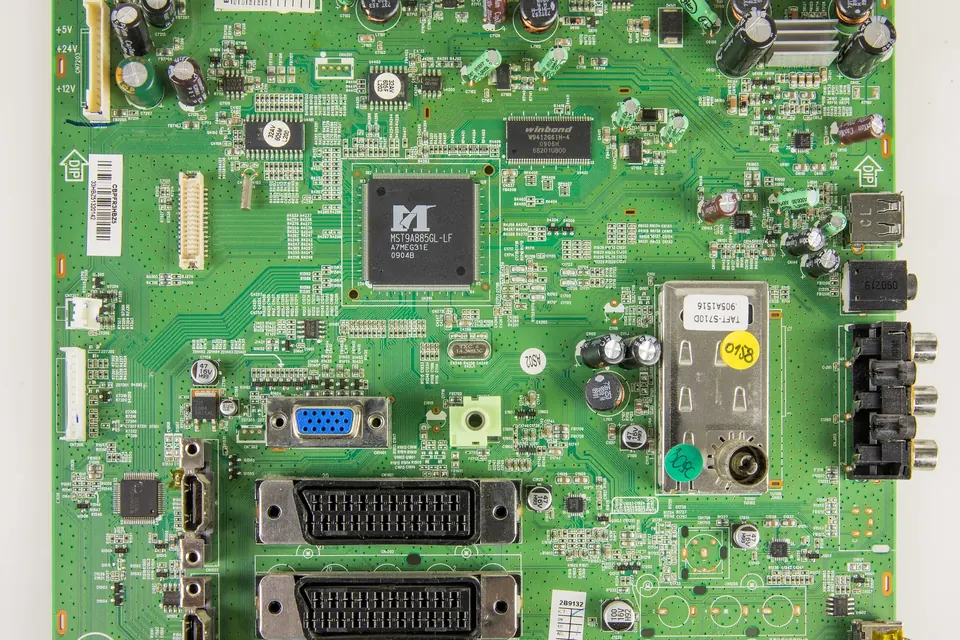
Hardware fault or software fault? HDMI problems, boot loops, firmware recovery and exact version matching.