Buying a used flat-screen TV: the checks to make before you pay
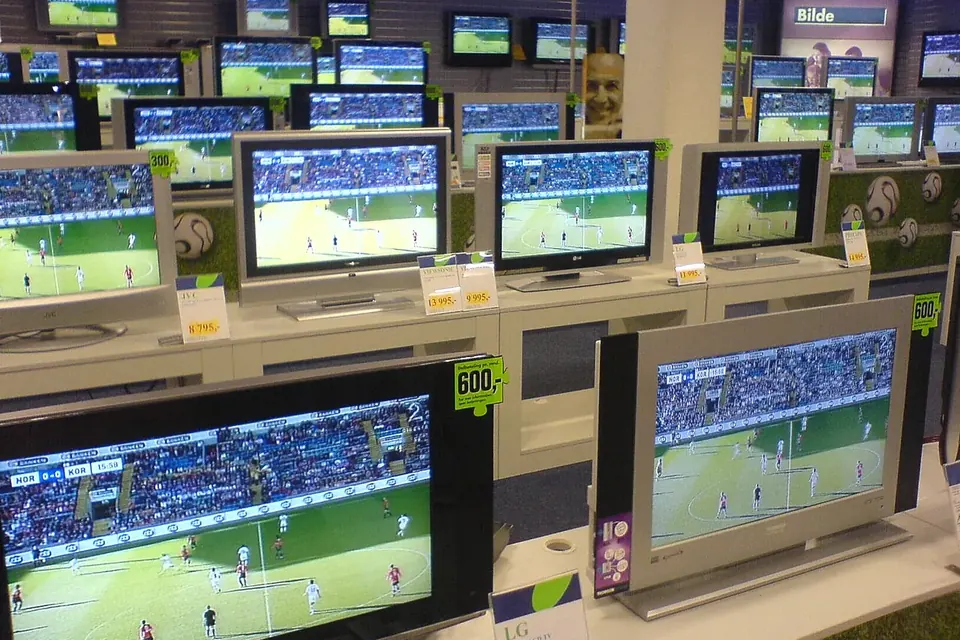
A used flat-screen TV can be excellent value, and plenty of sets are sold simply because their owners upgraded. The risks are faults that are invisible in a listing photo: a panel with damage that only shows on certain images, a backlight on its way out, or a smart platform that no longer gets updates. Twenty minutes of the right checks catches most of them.
Identify exactly what you are buying
Ask for, or read yourself, the model number on the rating label on the back. It tells you the size, the panel type, the year and often the region, and lets you look up the manual and reviews. Sets of the same size from the same brand can differ greatly between model lines and years. Our guide to reading part numbers shows where the various labels are.
- Panel type: LCD with LED backlight (edge-lit or direct-lit), OLED, or an older plasma. Each has its own typical faults.
- Age: the label or the menu often shows a manufacturing date. Older smart TVs may no longer receive software or app updates.
- Region: a set bought abroad may lack the right tuner for local broadcasts.
See it working, properly
Insist on seeing the set switched on, ideally for at least a quarter of an hour, so that faults that appear when it warms up have a chance to show. A listing that says "works perfectly, no time to test" is not a working TV until proven otherwise.
Panel checks
- Full white and mid-grey: look for dark patches, darker corners, vertical or horizontal bands, and faint shadows of an image that is not there (image retention or burn-in).
- Full black in a dimmed room: some glow at the edges of an LCD is normal; bright patches, clouds or a colour tint that varies across the screen point to backlight problems or damage.
- Red, green and blue: look for single dots that stay black or stay lit (stuck or dead pixels), and for lines of one colour.
- Look along the surface at an angle with the set off: scratches, a dent, or a faint circular pressure mark can all show in the picture later.
- Spider-web lines or ink-like spreading patches are physical panel damage. Walk away; see repair or replace for why.
OLED and plasma
OLED and plasma panels can retain an image that was shown for long periods, such as a channel logo, a news ticker or a game's interface. On grey and colour fields, look for faint permanent outlines. Many OLED sets include a panel refresh or compensation routine in the menu; a set that has needed it often is worth questioning.
LED backlight
On LCD sets, failing LED strips often show as a darker area, a blue or purple tint in part of the screen, or a set that switches off a few seconds after starting with sound still present. Backlight strips can be replaced, but it is a labour-intensive job. If the picture is very dark but sound works, the flashlight test tells you whether the backlight is the problem.
Everything else, in order
- Power: does it start every time, without clicking repeatedly or a standby light blinking a pattern?
- Every input: try each HDMI port with a device you bring (a phone with an adapter, a streaming stick or a laptop). An HDMI port that does not work is a common main board fault.
- Tuner: run a channel scan if an aerial or cable is available, or at least check that the tuner menu works.
- Sound: both speakers, at low and moderate volume, listening for buzzing or distortion.
- Remote and buttons: the original remote is often worth having; check the buttons on the set too.
- Network and apps: connect to Wi-Fi if you can, check that the apps you want are available and that the software update menu works.
- Stand and screws: the original stand, screws and any wall-mount adapter, since replacement stands can be hard to find.
Energy use
Older sets, especially plasma and LCDs with fluorescent (CCFL) backlights, usually draw more power than recent LED-backlit sets of the same size. The rating label shows maximum power, which is a rough guide. In the European Union, TVs and other displays carry an energy label, rescaled in 2021, and their figures can be looked up by model in the EU product registry for energy labelling (EPREL); for older sets, the manufacturer's specification sheet is the usual source.
Your rights, and the seller's
Rights depend on where you live and who sells. In the United Kingdom, for example, goods bought from a trader, including secondhand goods, must be of satisfactory quality, fit for purpose and as described under the Consumer Rights Act 2015, taking the age and price into account; a private seller only has to describe the item accurately. Elsewhere, rules differ, so ask a shop about returns and any warranty before you pay, and keep the receipt. With private sales, a written note of what was said about the set (model, faults, age) helps if there is a dispute.
Be wary of prices far below the going rate and of sellers who cannot explain where the set came from. A seller who will not let you see the TV working is a seller to walk away from.
Getting it home
Bring help and a blanket, carry the TV upright by the frame, and transport it standing up, strapped so it cannot tip, never lying flat on the back seat. The full method, including what to do without the original box and why it should warm up before you switch it on in winter, is in moving with a flat-screen TV.
Before you use it
- Do a factory reset so you start with clean settings and none of the previous owner's accounts.
- Run the software update, then re-check the apps.
- Choose a picture preset suited to your room rather than a shop or "vivid" mode, which is set very bright for showrooms; a preset matched to the room usually looks more natural and uses less power.
Sources
- European Commission, European Product Registry for Energy Labelling (EPREL), and Commission Delegated Regulation (EU) 2019/2013 on energy labelling of electronic displays.
- UK legislation, Consumer Rights Act 2015, legislation.gov.uk.
 Parts and decisions
Moving with a flat-screen TV
Box it, keep it upright, let it warm up, mount it without losing the deposit, and size it for the new room.
 Parts and decisions
Repair or replace?
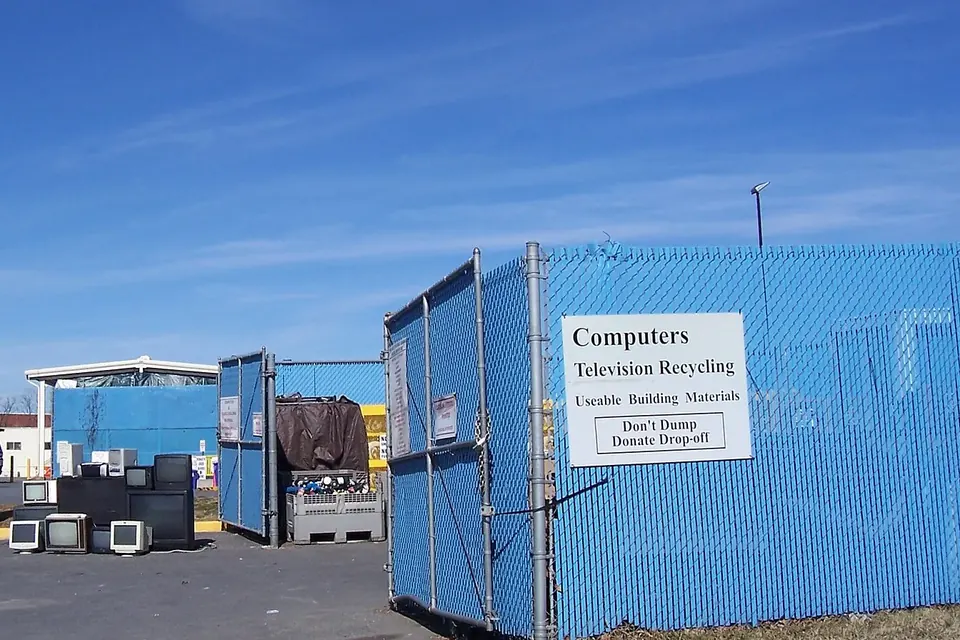
Which faults are worth fixing, why a cracked panel usually ends it, and how to dispose of a TV responsibly.
 Diagnosis
The flashlight test
Sound but no picture? Two minutes with a torch tells a dead backlight from a board fault.